

Lead Assignment Automation: How to Distribute Leads Without Manual Work
31 Oct, 2026
Summary Lead Assignment Software helps businesses automatically distribute incoming leads...
Updated: 31st October, 2026
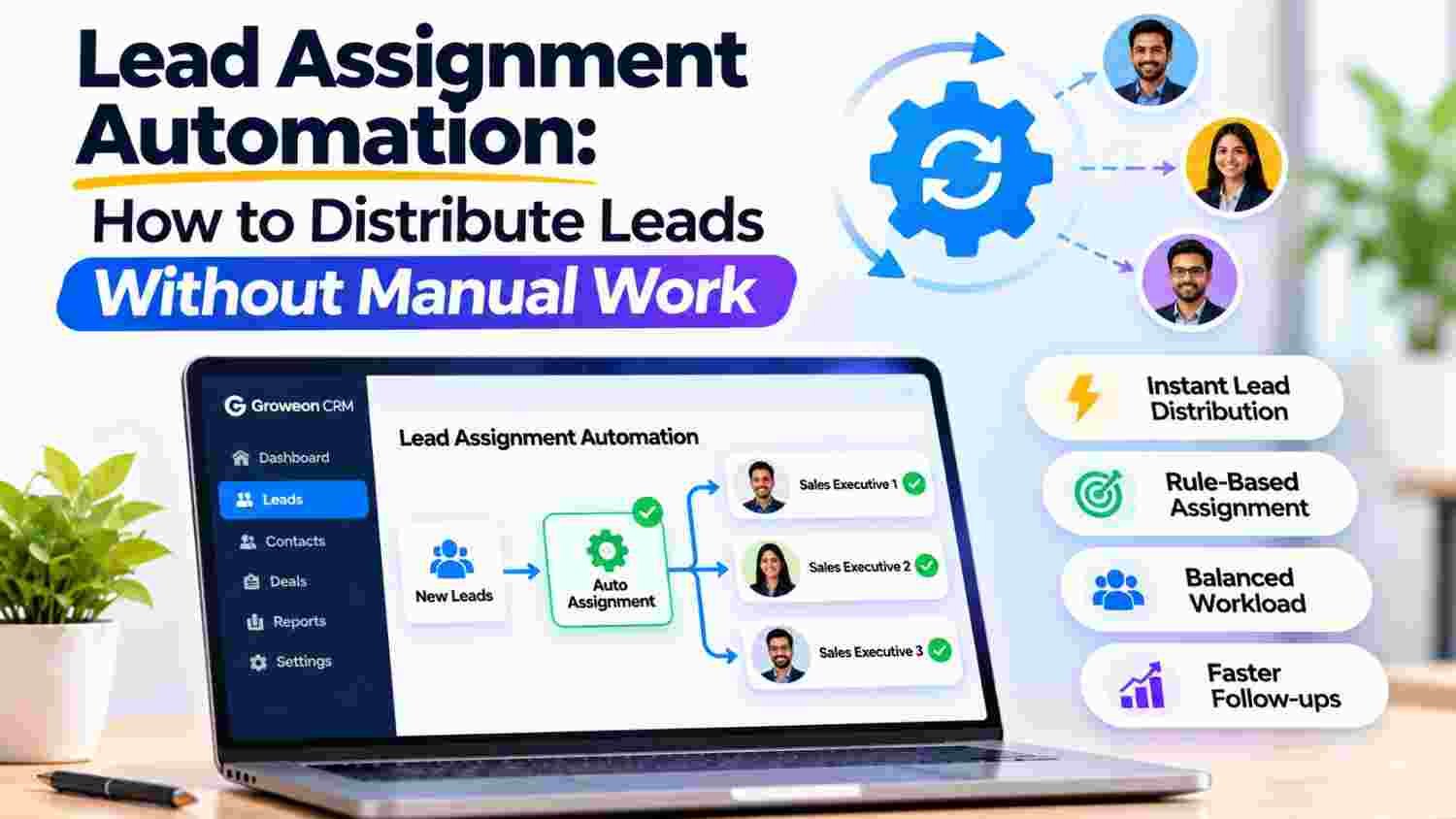
Lead Assignment Software helps businesses automatically distribute incoming leads to the right sales representatives based on predefined rules.
Automated lead assignment reduces manual work, improves response management and creates clear ownership across the sales team.
Businesses can use round-robin, territory-based, source-based, product-based and workload-based distribution to organise their sales operations.
This guide explains how lead assignment works, which rules to implement and how Groweon Sales CRM can help businesses manage their sales processes more efficiently.
Generating leads is only one part of the sales process. Businesses must also ensure that every enquiry reaches the right salesperson at the right time.
Imagine a company receiving 100 enquiries every day from its website, IndiaMART, WhatsApp, social media campaigns and other channels. If a manager has to check every enquiry and manually assign it to a salesperson, the process becomes time-consuming.
Some leads may remain unassigned, while others may reach the wrong representative. Salespeople might also receive an uneven number of enquiries, creating workload imbalances.
This is where Lead Assignment Software becomes important.
It automates the distribution of incoming enquiries using predefined conditions. Instead of manually checking and forwarding every lead, businesses can establish rules that determine who should receive each enquiry.
According to Salesforce’s lead management documentation, lead management includes setting up lead fields, assignment rules and lead capture processes. Similarly, Microsoft Dynamics 365 supports automated assignment using conditions and distribution methods.
For growing businesses, this creates a more organised process in which:
Businesses looking to organise their sales process can also explore Groweon Sales CRM, which brings lead management and sales activities into a connected CRM environment.
Lead assignment follows a structured process that connects lead capture, distribution and sales follow-up.
A typical automated workflow looks like this:
Step 1: Lead Capture
A new enquiry enters the CRM through a website form, advertisement, IndiaMART, WhatsApp or another connected source.
Step 2: Lead Information Collection
The system records available information such as customer name, contact details, location, enquiry source, product interest and other relevant requirements.
Step 3: Assignment Rule Evaluation
The CRM checks the lead against predefined conditions. These may include location, product category, lead source, sales team or representative availability.
Step 4: Automatic Lead Distribution
The system assigns the enquiry to the appropriate salesperson or team according to the configured rules.
Step 5: Salesperson Notification
The assigned representative receives the lead information and can begin the follow-up process.
Step 6: Lead Tracking
Managers can monitor lead ownership, sales activities, follow-ups and progress through the sales pipeline.
This process reduces repetitive administrative work and makes lead ownership easier to manage.
For more information about assignment conditions, see Zoho CRM’s assignment rule documentation and Salesforce’s assignment rule guidelines.
Businesses can connect this process with broader Groweon CRM Software capabilities to maintain customer and sales information in one place.
Not every business should distribute leads in the same way. The appropriate method depends on the number of salespeople, business locations, product categories and lead sources.
Here are seven common approaches.
Round-robin assignment distributes incoming leads among sales representatives in a rotating sequence.
For example, consider a sales team with three representatives:
| New Lead | Assigned Representative |
|---|---|
| Lead 1 | Salesperson A |
| Lead 2 | Salesperson B |
| Lead 3 | Salesperson C |
| Lead 4 | Salesperson A |
| Lead 5 | Salesperson B |
| Lead 6 | Salesperson C |
After every representative receives a lead, the cycle starts again.
This approach helps distribute incoming enquiries more evenly. Salesforce’s round-robin guide explains how a rotating assignment sequence can be configured.
Zoho’s round-robin solution also demonstrates how businesses can distribute leads sequentially among sales representatives.
Best suited for: Businesses where salespeople handle similar products, customer segments and responsibilities.
Location-based assignment distributes enquiries according to customer geography.
For example:
This approach helps businesses manage regional sales operations and assign enquiries to representatives familiar with their markets.
Salesforce’s lead distribution documentation explains how criteria such as geography and specialisation can be used to distribute leads.
Best suited for: Businesses with regional sales teams, distributors or location-specific customer responsibilities.
Some businesses sell multiple products or services, each requiring different product knowledge.
For example, a manufacturing company may have separate sales representatives for industrial machinery, spare parts and maintenance services.
A product-based assignment process directs enquiries to the representative responsible for the relevant product category.
Zoho CRM’s assignment rules explain how assignment criteria can be based on record information and business requirements.
Best suited for: Businesses with multiple product lines, technical products or specialised sales teams.
Different lead sources may require different sales processes.
| Lead Source | Assigned Team |
|---|---|
| IndiaMART | Marketplace Sales Team |
| Website Forms | Inside Sales Team |
| Facebook Ads | Digital Leads Team |
| Customer Enquiry Team | |
| Trade Fairs | Event Sales Team |
Source-based assignment helps businesses organise enquiries according to their acquisition channels.
It also makes it easier to understand which teams are responsible for handling leads from different marketing activities.
Salesforce Web-to-Lead provides documentation on capturing website enquiries into a CRM. HubSpot’s lead pipeline automation guide explains how automated actions can support lead workflows.
Businesses can also explore Groweon Lite for mobile lead and customer management activities.
Best suited for: Businesses receiving enquiries from multiple online and offline channels.
Equal distribution is not always the most efficient distribution.
Consider a team where one salesperson already manages 40 active opportunities while another has only 15.
Assigning another enquiry to the first salesperson may create unnecessary pressure.
Workload-based assignment considers the number of active records or other defined capacity indicators before distributing new leads.
Microsoft Dynamics 365 load balancing documents how leads can be distributed based on seller workload.
Best suited for: Growing sales teams handling different volumes of active opportunities.
Not all enquiries have the same commercial potential.
A business may want to route high-value enquiries to senior sales representatives while assigning smaller or routine enquiries to other team members.
For example:
This method can help businesses prioritise important opportunities.
Zoho CRM’s AI-assisted assignment documentation describes options for using available user and record information in assignment decisions.
Best suited for: B2B companies, enterprise sales teams and businesses with different customer segments.
A salesperson may be on leave, attending a meeting or handling an unusually high number of active enquiries.
An assignment process that considers availability can help avoid routing new leads to representatives who cannot respond promptly.
Businesses can define availability conditions, backup owners or alternative assignment routes.
Pipedrive’s automatic assignment documentation explains rule-based lead and deal assignment. Its automatic assignment FAQ also describes how opportunities are distributed within teams.
Best suited for: Businesses operating with multiple sales representatives, shifts or regional teams.
Many small businesses initially distribute enquiries through spreadsheets, WhatsApp groups, emails or direct instructions from managers.
This may work when enquiry volumes are low. However, manual processes become harder to manage as the business grows.
| Evaluation Area | Manual Lead Distribution | Lead Assignment Software |
| Lead allocation | Manager assigns leads manually | Rules automate distribution |
| Assignment speed | Depends on manager availability | Can happen automatically when configured |
| Distribution consistency | Depends on manual coordination | Follows predefined conditions |
| Lead ownership | Requires manual tracking | Recorded in the CRM |
| Workload visibility | Requires separate checking | Can be reviewed through available CRM reports |
| Team coordination | Messages and spreadsheets | Centralised lead records |
| Scalability | More manual effort as volume grows | Rules can support larger lead volumes |
Monday CRM’s lead management guide describes how businesses can organise leads, ownership, status and automation in a centralised workspace.
For businesses moving from spreadsheets to a structured sales process, Groweon Sales CRM provides a dedicated environment for lead and sales management.
Automation works best when the underlying sales process is clearly defined.
Before implementing lead distribution, businesses should establish the following rules.
Decide which lead attributes should determine ownership. These may include location, product interest, lead source, customer segment or enquiry value.
Avoid creating complicated rules without a clear business requirement.
Salesforce’s assignment rule setup provides an example of defining conditions and assigning records to specific owners.
Some enquiries may not match any configured condition.
Define a default owner or central team that can review and distribute these leads instead of allowing them to remain unassigned.
Salesforce’s lead implementation guide discusses default lead ownership when assignment rules do not apply.
Duplicate enquiries can create confusion when multiple representatives contact the same prospect.
Establish a process to identify existing records and review whether an enquiry should remain with its current owner or be reassigned.
Every lead should have a responsible owner.
Define who is accountable for the first response, follow-up, qualification and next sales activity.
Monday CRM’s lead management documentation explains how ownership and status fields support accountability.
Automatic assignment is only the beginning.
Define how quickly representatives should acknowledge new enquiries and what should happen when a lead remains untouched.
HubSpot’s lead pipeline automation guide provides examples of automated lead-stage progression based on sales activities.
Create a fallback process for situations where the assigned representative is unavailable or cannot handle additional enquiries.
Review the number of leads assigned to each salesperson, pending enquiries, response times and lead conversion performance.
Microsoft’s sales assignment documentation explains how assignment rules can help distribute records among sellers.
Business requirements change over time.
Review assignment conditions whenever your company adds new products, expands into new regions or restructures its sales team.
Even a well-designed assignment process can become ineffective if the rules are poorly maintained.
Some common mistakes include:
The objective should not simply be to automate lead allocation. It should be to create a process in which every enquiry has clear ownership and a defined next action.
Businesses can connect lead ownership with their broader Groweon Field Track workflows to support field sales activities and customer visits.
When businesses receive enquiries from multiple sources, manual lead distribution can become difficult to manage.
Groweon Sales CRM helps businesses organise lead management and sales activities through a connected CRM environment.
Its lead management capabilities support a more structured approach to capturing, organising and managing enquiries.
With Groweon, businesses can work towards a process that includes:
For businesses that want to reduce manual lead handling, a connected CRM can help create a more organised sales process.
Explore Groweon Sales CRM to understand its lead management and sales tracking capabilities.
Businesses looking to connect lead qualification with AI-driven calling can also explore AION Autopilot. For additional AI-assisted sales capabilities, visit AION AI+.
As sales operations expand beyond lead distribution, businesses can also explore Groweon Order Management and Groweon Service Ticket Management for connected post-sale workflows.
1. What is Lead Assignment Software?
Lead Assignment Software is a CRM feature or application that automatically distributes incoming leads to sales representatives based on predefined conditions such as location, product interest, lead source or workload.
2. How does Lead Assignment Software work?
It evaluates incoming lead information against configured assignment rules and assigns each enquiry to the appropriate salesperson or team. The assigned owner can then manage follow-ups and sales activities.
3. What is round-robin lead assignment in Lead Assignment Software?
Round-robin assignment distributes leads among selected sales representatives in a rotating sequence. It helps maintain a more even distribution of incoming enquiries.
4. Can Lead Assignment Software distribute leads based on location?
Yes. Location-based assignment can route enquiries to sales representatives responsible for specific cities, regions, territories or markets.
5. Is Lead Assignment Software useful for small businesses?
Yes. Small businesses can use it to reduce manual allocation, establish clear lead ownership and organise enquiries as their sales operations grow.
6. Can Lead Assignment Software assign leads from multiple sources?
Depending on the CRM’s integrations and configuration, leads from websites, advertisements, marketplaces, WhatsApp and other channels can be captured and distributed using assignment rules.
7. Does Lead Assignment Software improve sales productivity?
It can reduce repetitive administrative work, improve lead ownership and help sales representatives focus on customer communication. Actual productivity improvements depend on the quality of the assignment rules and follow-up process.
8. How do I choose the right Lead Assignment Software?
Evaluate lead capture integrations, assignment methods, duplicate management, workload visibility, notifications, follow-up tracking, reporting and the ability to adapt rules as your business grows.
Every incoming enquiry represents a potential business opportunity. However, generating leads is not enough if they are not distributed and managed properly.
Manual allocation can become difficult as enquiry volumes increase and sales teams expand. Lead Assignment Software helps businesses establish a structured distribution process by connecting incoming enquiries with the right sales representatives.
From round-robin distribution and location-based routing to product-based assignment and workload management, the right approach can make sales operations more organised.
With Groweon Sales CRM, businesses can bring lead management, assignment, follow-ups and sales pipeline tracking into a connected workflow.
Stop spending time distributing leads manually. Build a more organised sales process with Groweon Sales CRM.

31 Oct, 2026
Summary Lead Assignment Software helps businesses automatically distribute incoming leads...

31 Oct, 2026
Summary A free mobile CRM app helps small businesses manage...

31 Oct, 2026
Quick Summary Order Management CRM software connects customer information, sales...

29 Oct, 2026
Managing inventory becomes more complicated as a business grows. A...

29 Oct, 2026
Quick Summary CRM software for small businesses helps organize leads,...