

Groweon Lite: The Free Mobile CRM App for Small Sales…
07 Oct, 2026
Summary (TL;DR): A free mobile CRM can replace messy notebooks...
Updated: 7th October, 2026
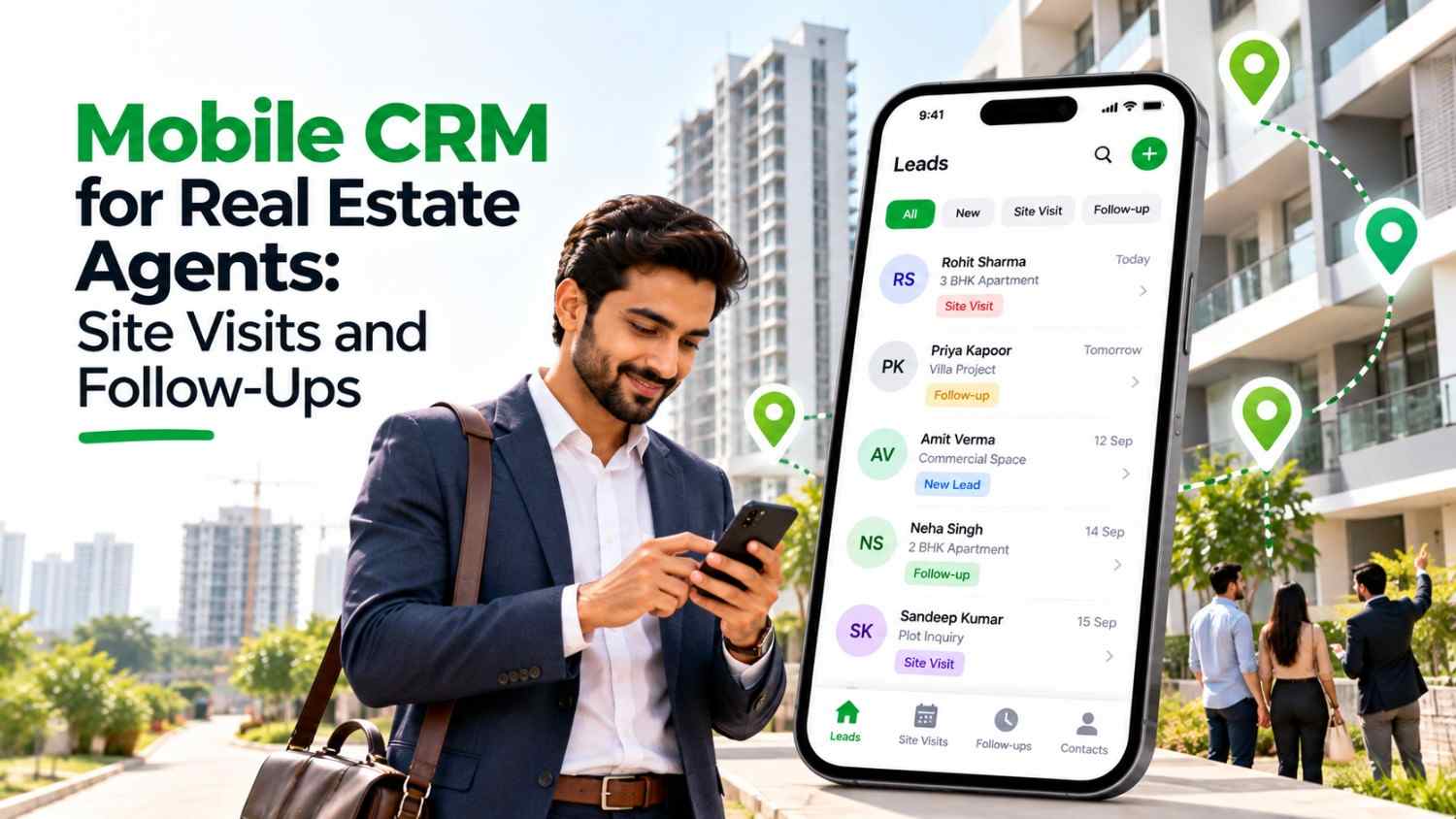
A mobile CRM for real estate agents keeps every lead, visit, and follow-up on the phone. First, map your own pipeline. Then pick a tool that handles site visits, no-shows, and quick calls well. Finally, pilot it with a small group before rolling it out. For chat-focused options, compare tools in our WhatsApp CRM buying guide.
Real estate agents work from cars, project sites, and client lobbies, not from desks. A mobile CRM for real estate agents keeps leads, site visits, and follow-ups in one place on the phone you already carry. In India, where a single missed call can send a buyer to a competitor, that reliability matters. However, many agents still track visits in WhatsApp chats, notebooks, and memory.
This guide explains what to look for, how to run site visits from your phone, and how to build a follow-up routine that works. For a broader comparison of chat-based tools, see our guide to the best WhatsApp CRM for Indian businesses.
Property sales have a long cycle. One industry guide estimates that an Indian buyer needs 8 to 15 touchpoints before committing, according to a breakdown of WhatsApp lead management for developers. Therefore, an agent who forgets a single follow-up can lose weeks of work.
Speed matters at the start too. A widely cited lead response study suggests that contacting a lead within the first minute lifts conversion sharply, as a real estate speed-to-lead analysis explains. The exact numbers vary by market. Even so, the direction is clear: the first agent to reply usually gets the visit.
A desktop-only CRM cannot help here. Agents are out of the office when enquiries arrive, so a mobile CRM for real estate agents has to work fully on the phone, not just show a trimmed-down view.
As a result, small agencies often pay for leads twice: once to generate them and again to win them back.
Not every feature matters equally. These are the ones in a mobile CRM for real estate agents that change the working day.
New enquiries from ads, portals, and your website should land in the CRM and alert the right agent on the phone. Also check that duplicates merge, because the same buyer often enquires on several portals.
Real estate has its own stages. A typical pipeline runs from enquiry to site visit scheduled, site visit done, negotiation, booking, and registration. Consequently, you can see exactly where each buyer sits.
Look for a status such as scheduled, visited, second visit, and no-show. When the status changes, the CRM should trigger the next reminder.
Agents should call or message from the lead record, and a good mobile CRM for real estate agents keeps that to one tap. In addition, call notes and messages should save to that record without extra typing.
Project sites often have weak coverage. Therefore, test whether you can add notes and update statuses with a poor connection.
A manager should see visits planned, visits done, and overdue follow-ups per agent. This makes coaching specific and stops leads from being hoarded.
A site visit has three moments: before, during, and after. A mobile CRM supports each one.
Notice that each step ends with a status change. As a result, the pipeline updates itself as you work instead of waiting for end-of-day data entry.
Consistency beats cleverness. One practical cadence is to follow up on day 0, day 1, day 3, and day 7, until the buyer books a visit or you close the lead with a clear reason. A real estate lead generation guide recommends a similar rhythm.
Vary the channel as you go. Call first, then send a WhatsApp message with project details, and later share a short update about a new offer or a nearby development. For busy agents, AI-assisted WhatsApp follow-up messages can reduce the time spent drafting each one.
Dormant leads also deserve a second look. Old enquiries and past site-visit lists are an underused pool, because those buyers already showed interest once.
Ask each vendor to show a real estate setup, not a generic sales demo. Generic CRMs often need custom fields before they fit property sales. Also ask how long setup takes, because a mobile CRM for real estate agents only helps once your stages, sources, and users are in place. Finally, ask who handles support when something breaks on a busy weekend of site visits.
A solo agent with a handful of active buyers may manage well with a spreadsheet and calendar reminders. Likewise, if most of your business comes from referrals and you rarely generate new leads, a lighter tool may be enough. A mobile CRM for real estate agents pays off when lead volume grows and more than one person touches each buyer.
What is a mobile CRM for real estate agents?
It is a CRM designed to run on a phone, so agents can capture leads, schedule site visits, log calls, and set follow-ups while they are away from the office.
Can I track site visits in a CRM?
Yes. Most real estate CRMs let you set a visit status, assign a time slot, and trigger reminders. Some also offer location check-ins, so confirm what each tool supports.
How fast should I respond to a new property enquiry?
As fast as you can. Studies on lead response consistently show that the first few minutes matter most, so set alerts that reach you on the phone.
Does a mobile CRM work with property portals?
Many do. Ask vendors which portals they connect with and how quickly leads arrive in your account.
Is WhatsApp enough to manage real estate leads?
It works for a very small volume. However, personal chats give managers no visibility and no history if an agent leaves, so a CRM becomes necessary as you grow.

07 Oct, 2026
Summary (TL;DR): A free mobile CRM can replace messy notebooks...

07 Oct, 2026
Summary A mobile CRM for real estate agents keeps every...

07 Oct, 2026
Summary A WhatsApp CRM app gives small sales teams in...

06 Oct, 2026
Summary (TL;DR): A mobile CRM puts your leads, follow-ups, quotes...

06 Oct, 2026
Every owner asks the same question before buying software: when...