

Groweon Lite: The Free Mobile CRM App for Small Sales…
07 Oct, 2026
Summary (TL;DR): A free mobile CRM can replace messy notebooks...
Updated: 6th October, 2026
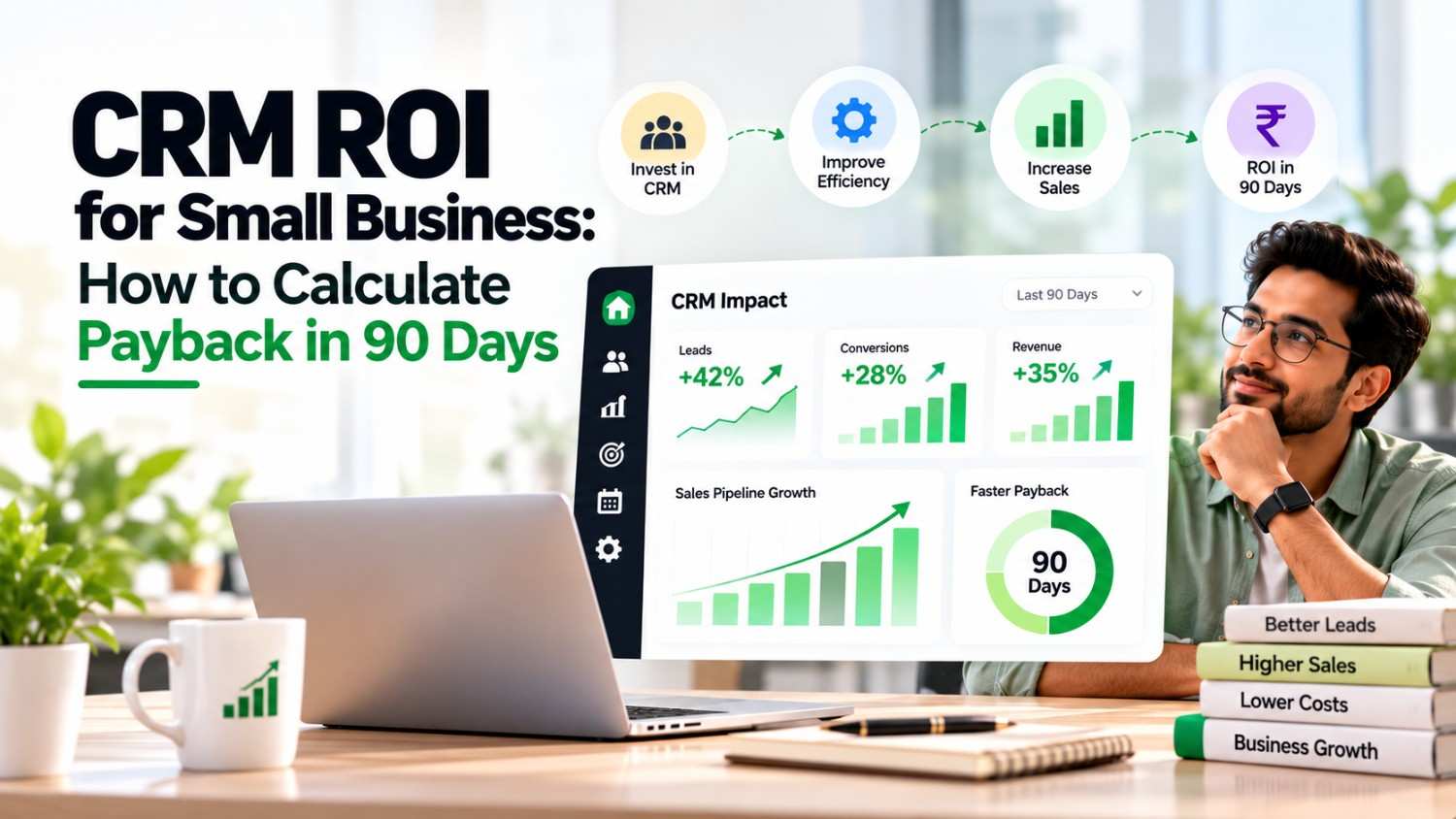
Every owner asks the same question before buying software: when will it pay for itself? This guide explains CRM ROI for small business in plain terms. You will get a simple formula, a worked rupee example, and realistic benchmarks. As a result, you can judge your own payback within 90 days.
Many owners expect a quick win, and then they feel let down. Often the problem is measurement, not the tool. Therefore, a clear plan matters more than a long feature list. If you are still shortlisting tools, read our best CRM with AI lead scoring guide first.
Most small teams track revenue, but they rarely track time. However, time is where a CRM pays first. A recent re-analysis of case studies found that average returns have fallen to about $3.10 per dollar spent. That is a 37% drop from the earlier peak. Meanwhile, the same analysis found that time savings and process efficiency drive 51% of total return. Extra revenue contributed the least.
So the old headline number no longer holds. For years, writers repeated that every dollar returns $8.71. That figure dates to 2014. Because it is outdated, it sets expectations too high. Instead, treat $3.10 as a long-run reference point, not a 90-day target.
Consequently, your first 90 days should focus on proof, not perfection. Also, a small business should expect a ramp-up. Staff need time to learn the tool, and your data needs cleaning before it helps anyone.
Start with the standard formula, then adapt it to CRM ROI for small business. CRM ROI equals gains minus costs, divided by costs, then multiplied by 100. Payback is a different measure. It tells you when your cumulative gains pass your cumulative costs. For a 90-day test, track both:
Because costs arrive early and gains arrive late, month one is usually negative. Then the curve turns upward. Therefore, judge the trend by day 60, not day 30.
Begin with costs when you calculate CRM ROI for small business, since they are certain. Include four items:
Many owners skip the last two. However, those hidden costs can rival the subscription itself. If you plan to leave spreadsheets behind, our Excel to CRM migration guide shows how to limit cleanup. Also, check our CRM pricing in India breakdown so your subscription line is realistic.
Gains fall into three groups. Track each one weekly in a simple sheet.
First, count the hours your team no longer spends on manual updates, searching old chats, and chasing status. Multiply those hours by each person’s hourly cost. However, count only half of the saved time at first. Staff rarely turn every saved minute into selling time. The 51% finding above explains why this bucket usually leads.
Next, count leads that once slipped away. Reminders and follow-up sequences reduce silent drop-offs. For example, a half-point lift in close rate matters on 200 leads a month. Then multiply extra deals by profit per deal, not by revenue. If you prioritise hot leads, our lead management software guide shows what to look for.
Finally, count repeat orders that came from renewal reminders and follow-ups. Customers forget to reorder, but a CRM remembers for you. Log each reactivated customer and its profit. Similarly, note any referral that followed a timely check-in.
A baseline is your starting point. Without it, every improvement is a guess. Therefore, capture five numbers before launch:
Pull these from spreadsheets, chat logs, and invoices. If the data is messy, use a rough estimate and label it as one. Also, write the date next to each figure. Later, you will compare the same five numbers at day 30, 60, and 90. This habit makes your CRM ROI for small business figure credible to partners and to your own team. Moreover, it stops you from crediting the CRM for gains that came from a seasonal rush.
Consider a small distributor with four sales reps. These numbers are illustrative, not real customer data. Each rep costs ₹32,000 a month, or about ₹200 an hour. The CRM costs ₹2,000 per user per month. Setup adds ₹10,000, and training plus cleanup adds ₹6,000. Both are one-time costs.
At full run rate, the monthly gains look like this:
The full run rate is ₹23,000 a month. Adoption takes time, though. So assume 25% of the benefit in month one, 75% in month two, and 100% in month three.
| Month | Costs (₹) | Gains (₹) | Cumulative net (₹) |
|---|---|---|---|
| Month 1 | 24,000 | 5,750 | -18,250 |
| Month 2 | 8,000 | 17,250 | -9,000 |
| Month 3 | 8,000 | 23,000 | 6,000 |
| Total | 40,000 | 46,000 | 6,000 |
The team passes break-even about 60% of the way through month three, near day 78. The 90-day ROI is 15%, since ₹6,000 divided by ₹40,000 equals 0.15. Moreover, the monthly net gain after ramp-up is ₹15,000. Consequently, month four onward looks stronger.
Set CRM ROI for small business targets that match your size. Use these markers as a guide, not a promise:
Because adoption drives everything, track logins and updates before you track rupees. Remember that time savings drive about half of total return, so adoption comes first. Also, our CRM implementation timeline guide shows what a sensible rollout looks like. Meanwhile, our AI CRM ROI analysis covers the returns of AI features.
Import clean data, train the team, and set up one pipeline. Track daily logins and the share of leads with a next step. Expect negative returns here, because setup costs land in this month.
Switch on reminders and follow-up tasks. Then measure response time against your baseline. Because habits are forming, gains should start to climb. Meanwhile, fix any fields your team keeps ignoring.
Calculate hours saved, extra deals, and reactivated customers. Next, run the formula on your cumulative totals. Finally, decide whether to expand, adjust, or change tools. A clear CRM ROI for small business number makes that decision easy.
Each industry finds its first gain in a different place. For instance, B2B CRM users usually gain from pipeline visibility early. The table below shows the pattern across six verticals.
| Vertical | Fastest gain | Metric to track |
|---|---|---|
| B2B services | Faster follow-up on long sales cycles | Quote-to-close rate |
| Real estate | Quicker lead response and site-visit scheduling | Visit-to-booking rate |
| Education | Consistent enquiry follow-up | Enquiry-to-enrolment rate |
| Healthcare | Appointment reminders and recalls | No-show rate |
| D2C and e-commerce | Repeat-order nudges | Repeat purchase rate |
| Financial services | Renewal and cross-sell reminders | Renewal rate |
Furthermore, good habits depend on good tracking. Our sales tracking guide covers the basics for small teams.
Some errors make a good CRM look weak. Others make a weak one look good. Watch for these five:
Record your close rate, response time, and weekly admin hours before launch. Without that baseline, you cannot prove any lift. Likewise, use a CRM buying checklist before you sign, so poor tool fit does not drag your return down.
CRM ROI for small business is measurable within 90 days if you plan for it. First, list every cost, including training and cleanup. Next, track gains in three buckets: time saved, recovered leads, and repeat sales. Then compare the totals month by month. Finally, expect a negative first month and a positive trend by day 60. In the worked example, payback arrived near day 78 with a 15% return.
It depends on adoption speed and deal size. Because costs come first, most teams see a negative first month. In the worked example, payback arrived near day 78, but your numbers will differ.
Use the long-run benchmark of about $3.10 per dollar as a reference. However, a 90-day figure will be lower, since benefits ramp up slowly. Instead of chasing a number, look for a rising monthly net gain.
Most forget training time and data cleanup. Also, they overlook the admin hours spent configuring pipelines and fields. Add these to your cost total before you calculate ROI.
Count profit. Revenue ignores the cost of goods and delivery, so it overstates the return. Therefore, multiply extra deals by profit per deal.
Yes, it can, because the subscription cost is near zero. Still, setup, training, and cleanup time remain. Also, check whether free limits on users or records will force an upgrade later.

07 Oct, 2026
Summary (TL;DR): A free mobile CRM can replace messy notebooks...

07 Oct, 2026
Summary A mobile CRM for real estate agents keeps every...

07 Oct, 2026
Summary A WhatsApp CRM app gives small sales teams in...

06 Oct, 2026
Summary (TL;DR): A mobile CRM puts your leads, follow-ups, quotes...

06 Oct, 2026
Every owner asks the same question before buying software: when...