

Top 10 Inventory Management Software for Small to Large Enterprises…
29 Oct, 2026
Managing inventory becomes more complicated as a business grows. A...
Updated: 29th October, 2026
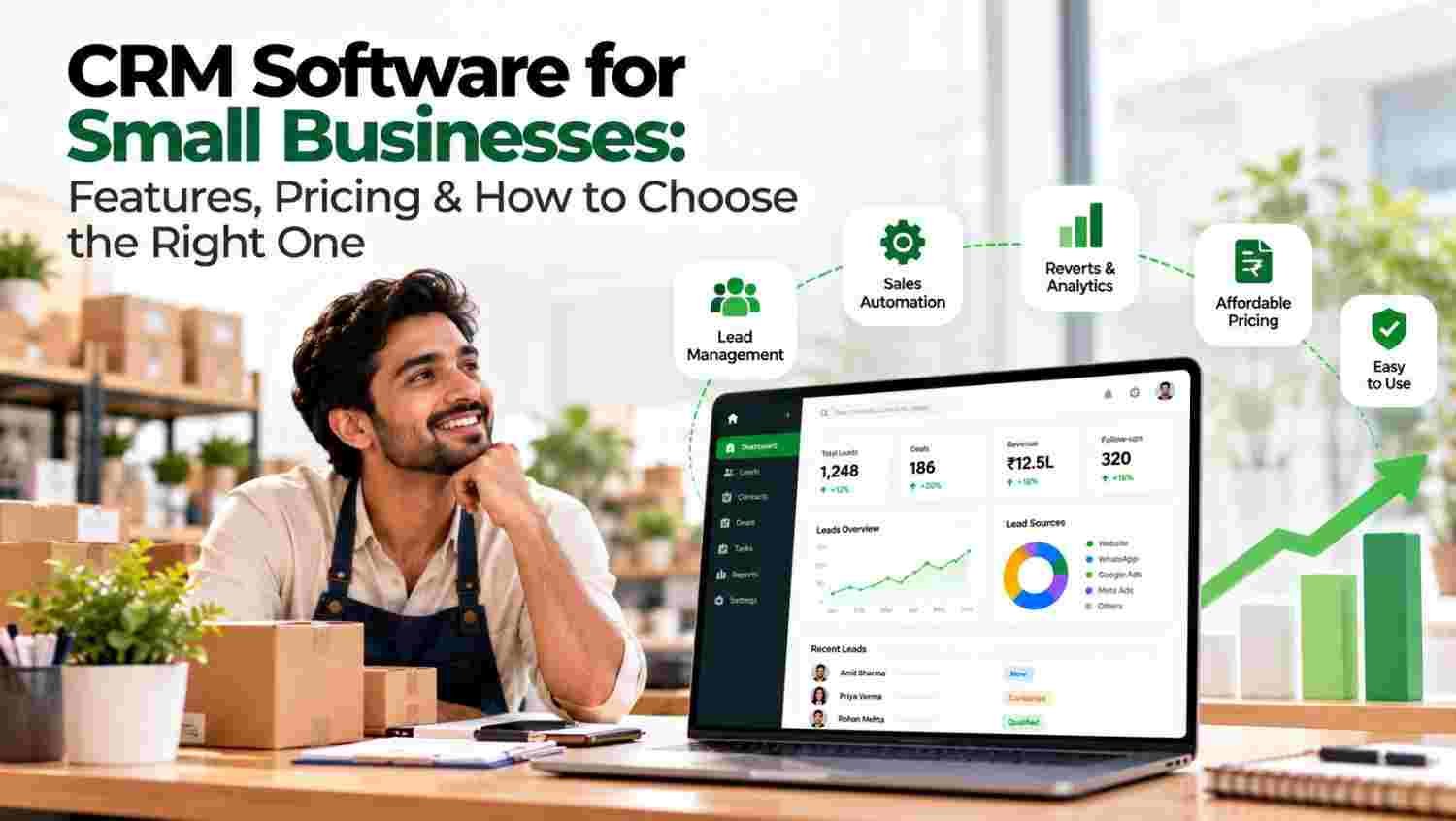
Small businesses often manage customer details across spreadsheets, email inboxes, phone contacts and WhatsApp conversations. This may work when enquiry volume is low, but it becomes difficult to track every lead as the business grows.
CRM software creates a shared record of customer interactions. Sales representatives can see previous conversations, managers can monitor open opportunities, and business owners can review performance without collecting updates manually.
For background, explore Salesforce’s explanation of CRM, HubSpot’s CRM resources and IBM’s CRM overview.
CRM software should store lead details, source, owner, status, contact history and next follow-up date. This reduces the need to search through separate spreadsheets and chats.
A business receiving enquiries from website forms, advertisements and marketplaces should check whether the CRM can connect to those sources. Learn about Google Ads, Meta Business Tools and Google Analytics to understand how businesses generate and measure digital enquiries.
Missed follow-ups can mean missed opportunities. Look for reminders, scheduled tasks, workflow rules and activity tracking that help representatives follow a consistent process.
Mailchimp’s marketing automation resources explain automated customer journeys, while Zapier describes ways to connect different applications. Check whether the integrations you need are native, supported through a connector or require an additional subscription.
A sales pipeline shows where each opportunity stands, from new enquiry to closed deal. It helps small businesses identify delayed quotations, prospects awaiting callbacks and opportunities that need attention.
Compare pipeline features in Pipedrive, Freshsales and Zoho CRM. The best option depends on your sales process, team size and required integrations rather than the number of features advertised.
Many Indian businesses use WhatsApp and phone calls to communicate with customers. CRM software should make it easy to record relevant conversations and plan the next action.
Review WhatsApp Business for business messaging information and Microsoft Dynamics 365 for a broader view of connected business applications. Before purchasing, confirm the exact messaging, calling and automation capabilities included in your chosen CRM plan.
A useful CRM should show lead volume, follow-up activity, pipeline value, conversion rates and representative performance. These reports help owners identify bottlenecks and decide where the team needs support.
Google’s campaign tracking guidance explains campaign parameters that can support source attribution. LinkedIn Marketing Solutions is another reference for businesses generating leads through professional audiences.
For businesses whose owners or sales representatives work outside the office, mobile access can make updating records more convenient. Test how easily a user can add a lead, record a meeting, set a reminder and review customer history on a phone.
Consider whether the system works reliably with your devices and connectivity conditions. The Android developer resource and Apple’s business resources provide platform information, but the CRM vendor should demonstrate its own mobile app.
Even a small team should understand who can view, edit, export or delete customer records. Check account security, backups, data export options, support procedures and the provider’s privacy policy.
The NIST Cybersecurity Framework offers a general framework for managing cybersecurity risks. The U.S. Federal Trade Commission’s business guidance also provides general information on responsible business practices.
Businesses operating in India should review relevant requirements through the Ministry of Electronics and Information Technology. For international operations, the European Commission’s data protection overview may also be relevant.
CRM software must fit the team’s daily work. If representatives find it difficult to update records, adoption may remain low even when the feature list looks impressive.
For broader implementation guidance, review Microsoft Learn, AWS cloud resources and Google Search Central for relevant technical context. These resources do not replace a hands-on product demo, so test your actual workflows before selecting a platform.
CRM pricing varies by vendor, edition, billing frequency and user count. Some products offer free plans with limited functionality, while paid plans may charge per user or offer tiered packages.
| Cost area | What to check |
|---|---|
| Subscription | Monthly or annual cost per user |
| User limits | Minimum seats and additional-user charges |
| Integrations | Whether required connectors cost extra |
| Setup | Data migration, configuration and onboarding fees |
| Automation | Limits on workflows, messages or AI usage |
| Support | Included support channels and response times |
| Growth | Cost when your team or contact database expands |
Do not compare CRM software on subscription price alone. Calculate the likely total cost for the number of users, integrations and automation features you need.
Small businesses looking to manage leads and sales activity can explore Groweon CRM, its Sales CRM and Groweon Lite, a free mobile CRM app. Businesses interested in AI features can review AION AI+ and AION Autopilot.
If the business also needs order workflows, explore the Groweon Order Management Solution. Confirm current pricing, plan limits, integrations and feature availability directly with Groweon before making a purchase decision.
Is CRM software worth it for a small business?
It can be valuable when customer details are scattered, leads need repeated follow-ups or managers lack visibility into the sales pipeline. The benefit depends on adoption and the quality of the sales process.
Is free CRM software enough?
A free plan may suit a small team with basic needs. Check limits on users, contacts, reports, automation, integrations and data export before relying on it long term.
How long does CRM implementation take?
It depends on data quality, workflow complexity, integrations and team size. A basic setup may be quicker than a rollout involving data migration, custom workflows and multiple teams.
Which CRM features should a small business prioritize first?
Start with lead management, follow-up reminders, pipeline tracking, basic reports and mobile access. Add advanced automation when the team has established consistent processes.
The right CRM software for small businesses should solve today’s sales problems without creating unnecessary complexity. Compare the essential features, total cost, integrations, usability and support, then test the shortlisted products with real workflows. A CRM becomes useful when the team consistently records customer activity and acts on the information it provides.

29 Oct, 2026
Managing inventory becomes more complicated as a business grows. A...

29 Oct, 2026
Quick Summary CRM software for small businesses helps organize leads,...

28 Oct, 2026
Quick Summary A multi-source CRM brings leads from Google Ads,...

28 Oct, 2026
Education CRM in India: A Smarter Way to Manage Admissions...

27 Oct, 2026
Summary CRM Software helps businesses manage customer data, sales pipelines,...