

Groweon Lite: The Free Mobile CRM App for Small Sales…
07 Oct, 2026
Summary (TL;DR): A free mobile CRM can replace messy notebooks...
Updated: 7th October, 2026
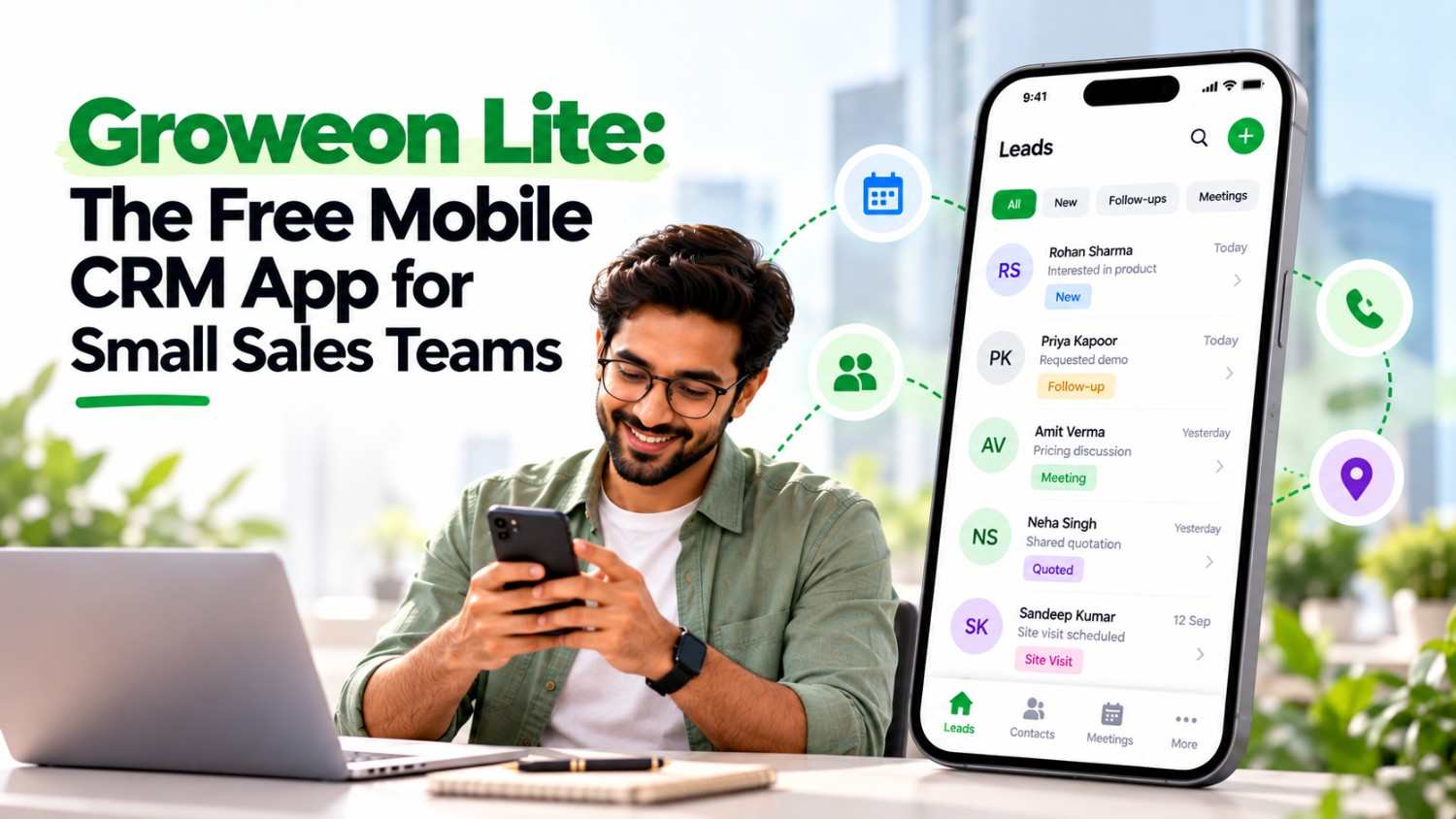
Summary (TL;DR): A free mobile CRM can replace messy notebooks and WhatsApp scrolling without costing a rupee. Groweon Lite is a free Android app that helps freelancers, small business owners and sales professionals manage leads, contacts and their sales pipeline. This guide explains what it offers, how to set it up in minutes, and when to move up to the full Groweon CRM.
Most small teams start with a spreadsheet. It works for a week, and then follow-ups slip, notes go missing and nobody knows which lead is hot.
You do not need an expensive system to fix that. A simple, free mobile CRM gives every lead a name, a status and a next step. That is the idea behind Groweon Lite.
According to its Google Play listing, Groweon Lite is a completely free mobile CRM built to help you manage leads, contacts and your sales pipeline. It is aimed at freelancers, small business owners and sales professionals who want to stay organised and close more deals.
Lite comes from the team behind Groweon, a CRM provider serving more than 1,100 businesses, as shown on the Groweon about page. That background matters: you start on a free app, and a full CRM is available later if you outgrow it.
The app focuses on the basics that small sellers use every day.
Lite suits people who need structure but not complexity.
If your team needs rules like automatic lead assignment or manager dashboards, you will likely need the paid Groweon Mobile CRM instead. compares both.
A tool only helps if you use it. These habits matter more than any feature.
Free does not mean careless. Before you store customer data, review the app’s Data safety section on Google Play. At the time of writing, the listing says the app shares no data with third parties, you can request data deletion, and data is not encrypted. Read the Groweon privacy policy too, and avoid storing highly sensitive information such as financial documents.
Also note the listing shows modest download numbers, so it is a young app. Test it on a few leads first, and keep a backup export of important contacts.
Consider moving up when you notice these signs:
At that point, explore Groweon CRM plans or read our top 10 CRM software guide to compare options across India.
Is Groweon Lite really free?
Yes. The Google Play listing describes Groweon Lite as a completely free mobile CRM app for lead management, sales tracking and business growth.
Who should use Groweon Lite?
It is designed for freelancers, small business owners and sales professionals who want to manage leads, contacts and a simple sales pipeline.
Can a small sales team use Groweon Lite?
Lite is built around individual and small-business use. If you need team-wide lead assignment, manager dashboards or detailed reports, the paid Groweon CRM is a better fit.
Which phones does Groweon Lite support?
It is available on Android through Google Play. Check the store listing for the latest platform availability.
Is my data safe in a free CRM app?
Review the app’s Data safety section and the privacy policy before storing customer information, and avoid saving highly sensitive data.
How do I upgrade from Groweon Lite?
Contact the Groweon team through the website to book a demo and discuss moving your leads to a full CRM plan.
Groweon Lite is a low-risk way to build a lead management habit. It gives you a free place to store leads, track your pipeline and follow up on time. If your business grows, a full CRM is waiting.
Download Groweon Lite today, add your top ten leads and set a follow-up for each one. When you need more, book a Groweon CRM demo.

07 Oct, 2026
Summary (TL;DR): A free mobile CRM can replace messy notebooks...

07 Oct, 2026
Summary A mobile CRM for real estate agents keeps every...

07 Oct, 2026
Summary A WhatsApp CRM app gives small sales teams in...

06 Oct, 2026
Summary (TL;DR): A mobile CRM puts your leads, follow-ups, quotes...

06 Oct, 2026
Every owner asks the same question before buying software: when...