

Inventory Automation Helps Businesses Improve Operational Efficiency
18 Nov, 2026
Inventory Automation helps businesses maintain accurate stock records, monitor product...
Updated: 16th November, 2026
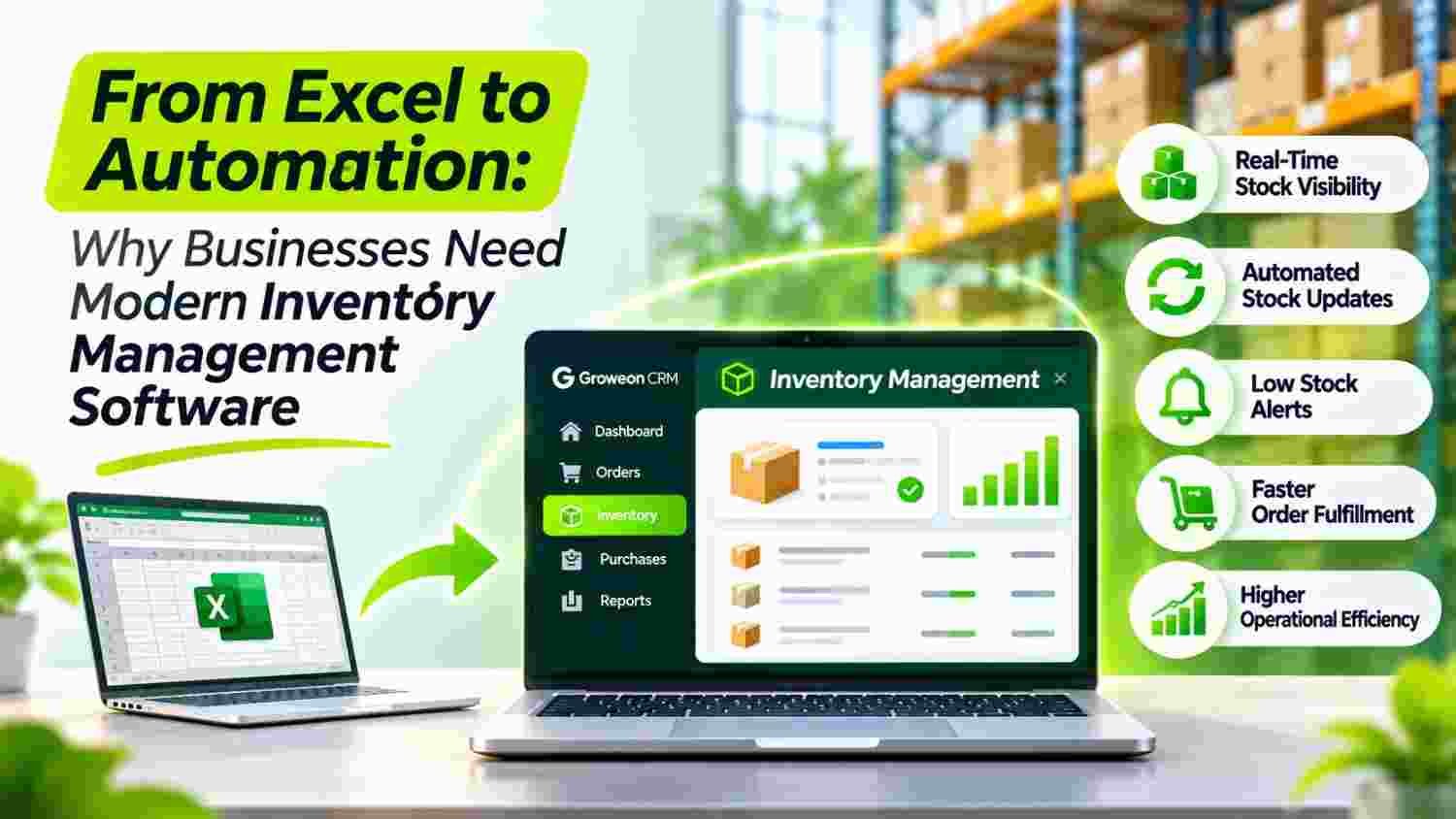
Excel can help businesses manage inventory in their early stages, but growing operations often demand better control, accuracy, and visibility.
Manual stock updates, disconnected spreadsheets, and delayed reporting can make inventory management increasingly difficult.
Inventory Management Software helps businesses organise stock records, monitor transactions, and streamline inventory-related processes.
This guide explains when to move beyond Excel, which capabilities to evaluate, and how to choose the right solution for business growth.
Excel is often the first tool businesses use to manage inventory.
It is familiar, affordable, flexible, and easy to customise. A small business can create a spreadsheet to record product names, opening stock, purchases, sales, and closing balances without investing in specialised software.
But as the business grows, the same spreadsheet-based process can become difficult to maintain.
Consider a distributor managing hundreds of products, multiple suppliers, regular customer orders, and several employees handling stock-related information.
One employee updates the purchase sheet. Another records sales. Someone else maintains a separate stock file. The owner checks different spreadsheets to understand the latest position.
Even a small delay in updating information can create confusion.
This is where Inventory Management Software becomes relevant.
Instead of depending entirely on manually maintained spreadsheets, businesses can move towards structured inventory records, connected workflows, and more accessible operational information.
The objective is not to eliminate Excel from every business activity. It is to recognise when spreadsheets are no longer sufficient for the level of operational control a business requires.
Excel is not inherently a poor inventory management tool. Its limitations become more visible when several people, products, locations, and transactions are involved.
When stock information is updated manually, employees must remember to record every relevant transaction.
A purchase may be entered in one sheet, while a sales transaction is recorded elsewhere. If an update is missed, the reported stock position may no longer reflect the actual movement of goods.
This creates a gap between recorded inventory and physical inventory.
As operations expand, different departments may maintain separate spreadsheets.
For example:
Without a consistent process, these records can become disconnected.
Employees may work with different versions of the same file, making it harder to establish which information is current.
Spreadsheet formulas are useful, but they still require accurate data entry and maintenance.
A deleted formula, incorrect cell reference, duplicate entry, or accidental overwrite can affect stock calculations.
A 2025 research article examining spreadsheet validation in hospital stock management discusses risks involving formula errors, data validation, and version control. Although the study focuses on healthcare inventory, the underlying spreadsheet risks are relevant to other businesses as well.
Read the research on spreadsheet risks in stock management.
Business owners need timely answers to questions such as:
When information is scattered across spreadsheets, preparing these reports may require manual consolidation.
This takes time away from analysing the business and making decisions.
A spreadsheet that works for 30 products may become difficult to maintain when the business handles 500 products, multiple suppliers, and thousands of transactions.
The issue is not simply the number of rows.
It is the growing number of people, processes, and decisions that depend on accurate inventory information.
The transition from Excel to dedicated software is not just a change of tool. It is a change in how inventory-related information is recorded, accessed, and managed.
| Business Requirement | Excel-Based Inventory Management | Inventory Management Software |
|---|---|---|
| Stock records | Updated through spreadsheets | Managed through structured records |
| Transaction updates | Often depend on manual entry | Can support configured transaction workflows |
| Multiple users | Requires file-sharing and version coordination | May provide role-based access and shared records |
| Stock visibility | Depends on the latest spreadsheet update | Can provide updated information based on recorded transactions |
| Reporting | Often requires manual calculations | Can generate reports using available system data |
| Data management | Depends on spreadsheet controls | Can provide centralised data management |
| User permissions | Limited or manually controlled | May offer configurable access permissions |
| Business integration | Often requires manual data exchange | May support integrations with other business systems |
Not every software platform includes every capability in this table. Businesses should verify features, integrations, and user permissions before selecting a solution.
The key advantage is having a structured process rather than relying entirely on individual spreadsheet files.
How do you know when it is time to move beyond Excel?
These ten situations can indicate that your existing inventory process needs improvement.
When a business handles more products, maintaining accurate records becomes increasingly demanding.
Product codes, descriptions, units, purchase details, and transaction histories need consistent management.
A structured software system can help organise these records and reduce dependence on separate spreadsheets.
If employees regularly ask each other for stock updates, it may indicate that inventory information is not easily accessible.
A suitable system should help authorised users review the latest recorded information without depending on multiple file versions.
If every stock-related update requires an employee to open a spreadsheet, locate the correct row, and modify the relevant value, the process can become inefficient.
Configured software workflows can help standardise how transactions are recorded.
Inventory operations depend on several connected activities.
Purchases increase stock, while sales and other outward movements affect stock records.
When purchase and sales information is maintained separately, reconciliation becomes more difficult.
A business should evaluate software that can connect relevant transaction workflows.
Businesses operating from multiple branches, warehouses, or storage locations may need more structured inventory visibility.
They should evaluate whether a software platform supports location-wise stock records, transfers, and reporting.
Do not assume every inventory application supports multi-location management.
If preparing a stock report involves combining multiple spreadsheets, checking formulas, and verifying entries manually, the reporting process may need automation.
Inventory Management Software can help businesses organise transaction data and generate reports based on available system records.
Duplicate product entries, incorrect quantities, and outdated information can affect operational decisions.
A structured system with appropriate validation and user permissions can help improve consistency.
A business may receive orders without having an organised process to check relevant stock information.
Connecting order-related workflows with inventory records can help teams coordinate customer commitments more effectively.
Businesses should assess the available integration capabilities before implementation.
Business owners need more than individual stock figures.
They may want to understand purchase activity, sales movement, product demand, and pending transactions.
A suitable reporting system can help bring relevant information together.
This is often the most practical sign.
When employees spend a significant amount of time maintaining spreadsheets, correcting entries, preparing reports, and coordinating updates, the business should evaluate whether dedicated software can simplify the process.
Not every business needs an advanced inventory platform.
A retailer, distributor, manufacturer, and service business may have different requirements.
However, the following capabilities are useful evaluation criteria when selecting Inventory Management Software.
The software should provide a structured way to maintain product information, stock records, and relevant transaction details.
Businesses should check whether the system supports the product attributes and units required for their operations.
Inventory records depend on accurate transaction information.
Evaluate whether the platform supports relevant purchase and sales workflows and whether transaction updates can be connected to stock records.
Businesses need timely access to stock information.
Ask how frequently records are updated, whether updates depend on manual approval, and whether users can view information according to their access permissions.
For businesses operating across different locations, location-wise stock visibility can be important.
Check whether the platform supports separate location records, transfers, and consolidated reporting.
Businesses may want notifications when stock reaches a defined threshold.
Check whether the system supports configurable alerts and whether it can assist with purchase planning.
Automatic replenishment should not be assumed unless the vendor confirms the capability.
Useful reports can help businesses understand stock movement, transaction history, and operational patterns.
Evaluate the available reports and whether they can be filtered by product, location, date, or other relevant criteria.
Businesses handling a large number of products may benefit from barcode-based identification and scanning.
However, check whether the platform supports barcode generation, scanning, hardware integration, and the workflows required by your team.
Not every employee needs access to every inventory record or transaction.
Role-based permissions can help businesses define who can view, add, edit, approve, or manage specific information.
Inventory information may need to connect with accounting, invoicing, order management, and other business applications.
For Indian businesses, it is particularly useful to examine GST-related invoicing requirements and available accounting integrations.
The National Informatics Centre explains how the GST e-invoice system supports invoice authentication and transfers relevant information to GST systems.
Explore the official GST e-invoice system.
Employees may need to access business information while working away from their desks.
Evaluate mobile access, ease of use, connectivity requirements, and whether the system supports the actual workflows performed by your team.
A feature-rich platform is not useful if employees find it difficult to adopt.
Indian businesses operate across diverse industries, supply chains, and distribution models.
A small retailer may manage daily product movement, while a distributor may handle hundreds of SKUs and frequent purchase and sales transactions.
Manufacturers may need to maintain records of raw materials, finished goods, and other stock categories.
Digitalisation is becoming increasingly important for these operations.
A 2025 India SME Forum report based on a survey of 7,835 MSMEs found that 53.8% had adopted at least one digital tool, while 46.2% continued to operate fully offline. The report also highlighted difficulties businesses face when selecting suitable digital tools.
Explore the India SME Forum’s MSME digital adoption report.
There is also a regulatory reason to maintain reliable records.
Section 35 of the Central Goods and Services Tax Act, 2017, requires registered persons to maintain true and correct accounts, including records relating to stock of goods. The applicable requirements depend on the taxpayer’s circumstances.
Review Section 35 of the CGST Act.
For Indian businesses, moving towards structured digital records can therefore support both operational organisation and record-keeping responsibilities.
However, software selection should always be based on actual business requirements rather than assuming that purchasing an inventory application automatically ensures regulatory compliance.
Switching from spreadsheets to software does not need to happen all at once.
A phased implementation can make the transition easier for employees and reduce the risk of operational disruption.
Start by understanding how inventory is currently managed.
Identify all spreadsheets, product lists, transaction records, and reports used by different departments.
Check for duplicate entries, missing information, and inconsistent product names.
Before migrating data, establish consistent product names, codes, units, and other important attributes.
For example, the same product should not appear under multiple names in different spreadsheets.
Clean product data makes migration and future reporting easier.
Do not select software simply because it offers the largest number of features.
List the workflows your business needs to manage, such as purchase recording, sales transactions, stock visibility, reporting, and user access.
Separate essential requirements from features that may be useful later.
Prepare the existing records for migration.
Verify opening stock, product information, transaction history, and other required fields.
The opening stock should be checked against the actual business records and physical inventory wherever applicable.
Software implementation is also a people-related change.
Employees should understand how to record transactions, access information, and follow the updated process.
A short training programme and clear responsibilities can improve adoption.
After the software goes live, review whether the new process is improving day-to-day operations.
Useful indicators include:
Use these indicators to identify areas where additional training or workflow changes may be necessary.
Moving away from Excel is not always about replacing every business tool with one application.
Businesses should understand which processes need dedicated inventory management and which require better coordination between sales, customer management, and order-related activities.
Groweon focuses on CRM and business workflow management.
Its platform includes capabilities related to lead management, sales management, order management, invoicing, and product and service management.
For businesses that struggle with disconnected customer and order information, these capabilities can help create a more organised sales process.
When enquiries come from multiple sources, businesses need a structured way to manage customer information and sales follow-ups.
Explore Groweon’s sales CRM capabilities.
Sales orders involve customer information, product details, and coordination between business teams.
A structured order management process can help businesses organise these activities.
Explore Groweon’s order management solution.
Businesses also need organised product and service information to support their customer-facing processes.
Explore Groweon’s product and service management capabilities.
Employees may need to access relevant customer and business information while working outside the office.
Explore Groweon’s mobile app.
An important distinction: Groweon’s CRM and order management capabilities should not automatically be treated as a replacement for a dedicated inventory or warehouse management system. Businesses requiring advanced stock control, barcode scanning, warehouse operations, or automated replenishment should verify those specific requirements and integrations before choosing a solution.
There is no universal point at which every business must stop using Excel.
A business managing a small product range and limited transactions may continue using spreadsheets effectively.
However, when several employees depend on the same inventory information, transaction volumes increase, and reporting becomes difficult, dedicated software deserves serious consideration.
The decision should be based on operational complexity rather than business size alone.
If inventory information is becoming difficult to maintain, frequently requires manual reconciliation, or delays important business decisions, it may be time to evaluate a more structured system.
Businesses should consider moving from Excel when manual updates, multiple spreadsheet versions, reporting delays, and data inconsistencies make inventory management difficult. Dedicated software can provide structured records and more organised workflows.
Yes. Excel can work for businesses with a limited product range, low transaction volumes, and simple inventory requirements. As operations become more complex, businesses should evaluate whether dedicated software offers better control and visibility.
Important evaluation areas include centralised product records, purchase and sales transaction management, stock visibility, inventory reporting, user permissions, integrations, and mobile access. The right feature set depends on business requirements.
It can help reduce discrepancies by providing structured transaction records, access controls, and consistent update processes. However, results also depend on accurate data entry, physical stock verification, and employee adoption.
Yes. Distributors often manage multiple products, suppliers, purchase transactions, and customer orders. Suitable software can help organise stock records and provide better visibility into relevant business activities.
Inventory software may help maintain digital records of stock and transactions. However, businesses should verify whether the selected solution supports their specific GST-related workflows and consult a qualified professional for compliance requirements.
Implementation time depends on product volume, data quality, integrations, user requirements, and workflow complexity. A phased migration with verified opening balances and employee training can make the transition easier.
Groweon offers CRM and business workflow capabilities, including sales management, order management, invoicing, and product and service management. Businesses looking for dedicated inventory or warehouse management features should verify the specific requirements and available integrations before implementation.
Excel can be a useful starting point, but growing businesses eventually need more structured ways to manage operational information.
As product ranges, transaction volumes, and employee responsibilities increase, maintaining separate spreadsheets can consume time and make it harder to access consistent business information.
Inventory Management Software can help businesses move towards organised records, more consistent workflows, and better operational visibility.
The right solution should match the complexity of your operations, support employee adoption, and connect with the business systems you already use.
If your challenge also involves disconnected customer records, sales activities, and order coordination, explore how Groweon CRM and order management can support a more connected business process.
Make the move from manual coordination to smarter business operations with Groweon.

18 Nov, 2026
Inventory Automation helps businesses maintain accurate stock records, monitor product...

18 Nov, 2026
Service Ticket Management Software helps businesses organise customer requests, assign...

18 Nov, 2026
Order processing involves more than recording a customer’s purchase. It...

18 Nov, 2026
Small businesses often manage customer relationships while handling sales calls,...

17 Nov, 2026
Summary AION Autopilot brings agentic AI into everyday sales operations,...