

Inventory Automation Helps Businesses Improve Operational Efficiency
18 Nov, 2026
Inventory Automation helps businesses maintain accurate stock records, monitor product...
Updated: 18th November, 2026
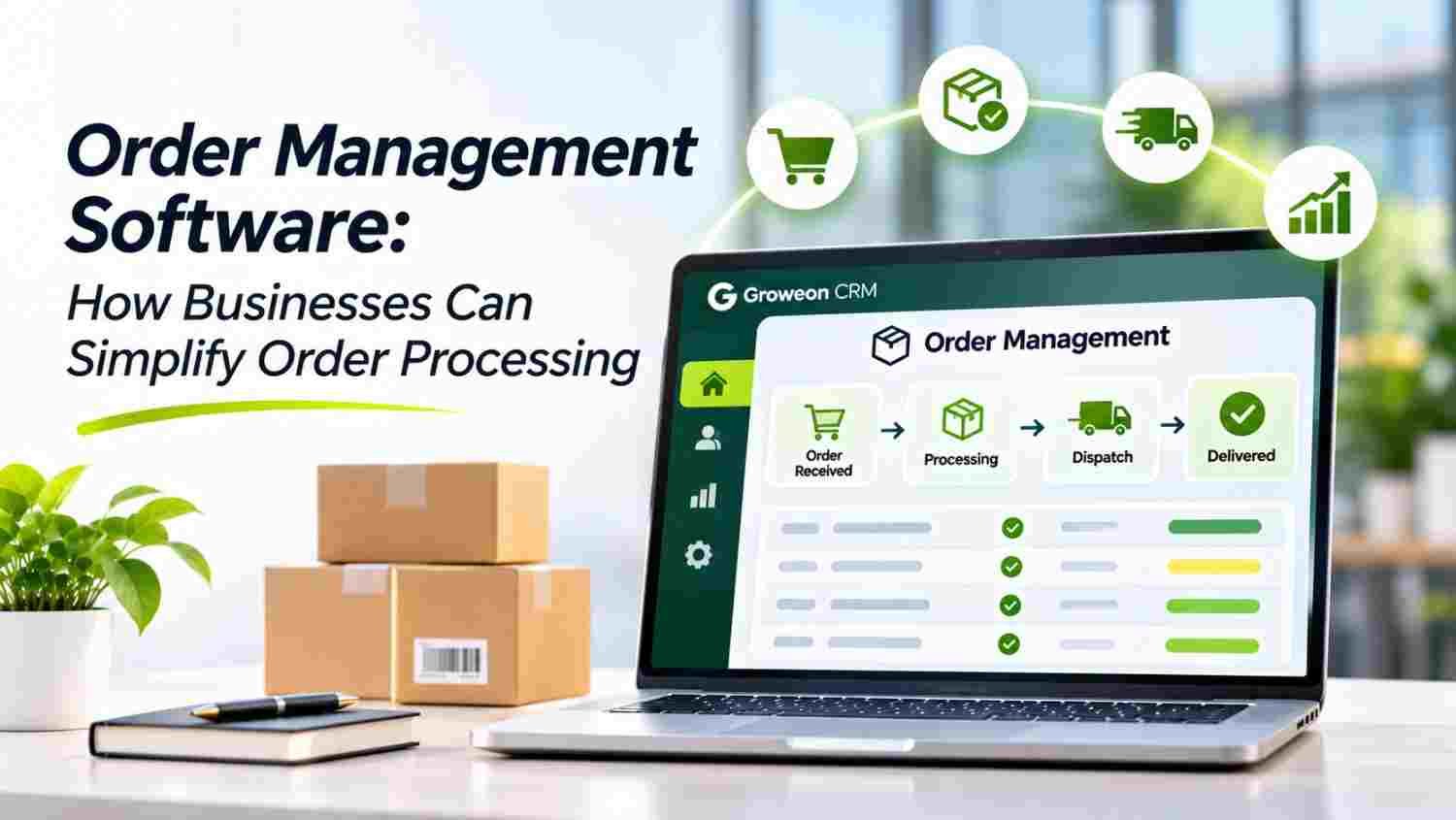
Order processing involves more than recording a customer’s purchase. It requires coordination between sales, inventory, accounts, purchasing, logistics, and customer support.
As order volumes grow, manual coordination can create delays, inaccurate entries, missed updates, and confusion between teams. A structured order management process helps businesses keep every order visible and move it through fulfilment with greater control.
Many businesses manage orders through spreadsheets, emails, phone calls, and disconnected applications. This makes it difficult to maintain a consistent record of every transaction.
Common operational challenges include:
A connected Order Management System helps bring these activities into one workflow. As explained in SAP’s guide to order management, the order lifecycle covers activities from order placement and stock checks to shipping and delivery.
Orders may arrive through sales representatives, websites, retail counters, or other channels. Recording them separately increases the risk of missing information.
Order Management Software helps businesses organise incoming orders in a shared system. Centralised order records also make it easier for teams to access customer and transaction details.
Businesses can connect order workflows with their wider CRM software and sales management processes.
Before processing an order, teams need to verify customer details, product quantities, payment information, and stock availability.
A structured order validation workflow helps identify missing or incorrect information before it moves to the next stage. This reduces avoidable corrections and improves processing consistency.
Businesses can also explore inventory management to maintain better visibility into product availability.
Accepting an order without checking available stock can lead to fulfilment delays and customer dissatisfaction.
Connecting order processing with stock management helps teams check availability before confirming fulfilment. Businesses can also coordinate purchasing through purchase management software when additional stock is required.
This approach supports more reliable order planning and reduces unnecessary communication between departments.
Once an order is approved and processed, teams need to coordinate packing, dispatch, logistics partners, and delivery updates.
A connected order tracking workflow gives teams better visibility into shipment progress. It also helps businesses identify orders that need attention.
For a broader understanding of fulfilment operations, businesses can refer to SAP’s order management resource and its discussion of connected fulfilment activities.
Managers need to understand how many orders are pending, processed, delayed, or completed. Without organised reporting, identifying bottlenecks becomes difficult.
An order management dashboard helps teams review order activity, processing stages, turnaround time, and pending work.
Businesses can connect these insights with sales reporting, inventory reporting, and wider business management workflows.
Order management works best when departments share accurate and updated information. Sales teams need to know whether products are available, accounts teams need correct order details, and logistics teams need clear dispatch instructions.
A connected business platform can link sales order automation, purchase workflows, inventory operations, and customer relationship management.
This connected approach reflects the wider role of order management described by SAP, where coordination across business functions supports accurate and efficient fulfilment.
Groweon’s Order Management Solution helps businesses organise order capture, validation, approval, processing, dispatch, and delivery tracking within a connected workflow.
Its capabilities include multi-channel order capture, centralised order entry, order validation and approval, custom order stages, real-time inventory checks, email and WhatsApp notifications, logistics partner management, and delivery tracking.
Businesses can also connect order operations with Groweon CRM, sales automation, and purchase management.
For growing businesses, this creates a more organised way to coordinate teams and monitor order progress without depending entirely on manual updates.
Efficient order processing depends on accurate information, clear responsibilities, and coordination between departments. As businesses grow, relying on disconnected tools can make these activities harder to manage.
The right Order Management Software helps centralise order information, improve stock coordination, organise fulfilment, and provide better visibility into daily operations.
Explore Groweon’s Order Management Solution to see how connected workflows can help simplify your business’s order processing.

18 Nov, 2026
Inventory Automation helps businesses maintain accurate stock records, monitor product...

18 Nov, 2026
Service Ticket Management Software helps businesses organise customer requests, assign...

18 Nov, 2026
Order processing involves more than recording a customer’s purchase. It...

18 Nov, 2026
Small businesses often manage customer relationships while handling sales calls,...

17 Nov, 2026
Summary AION Autopilot brings agentic AI into everyday sales operations,...