



Transform Your Customer Service with Automated IVR Systems
For any company that deals with large IVR integration with CRM systems is a powerful technology that improves customer support and streamlines business processes. By connecting automated IVR systems with CRM data management, businesses create more efficient and personalized customer experiences.
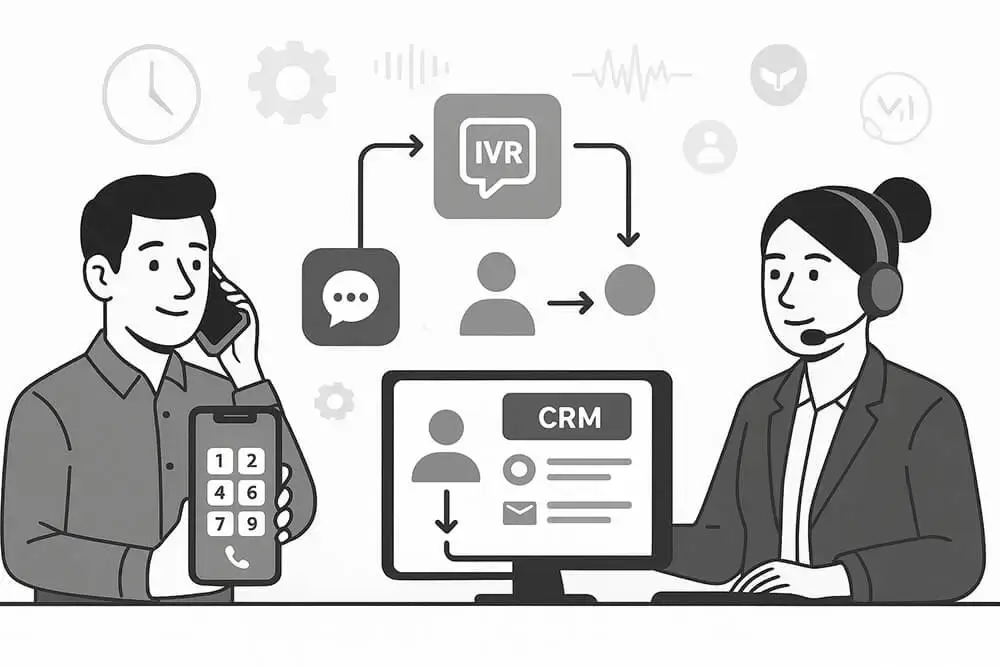
We know that many consumers believe that the fastest platform to get a resolution to their problem is through a phone. IVR is the best tool to manage calls, and when combined with integrated CRM software, you can manage your business efficiently.
The Automated CRM IVR Solutions use pre-recorded audio prompts and DTMF tones to direct callers, while also allowing voice interaction for a more natural customer experience.
How Does Interactive Voice Response (IVR) Work?
Understanding the IVR process flow from initial call to resolution
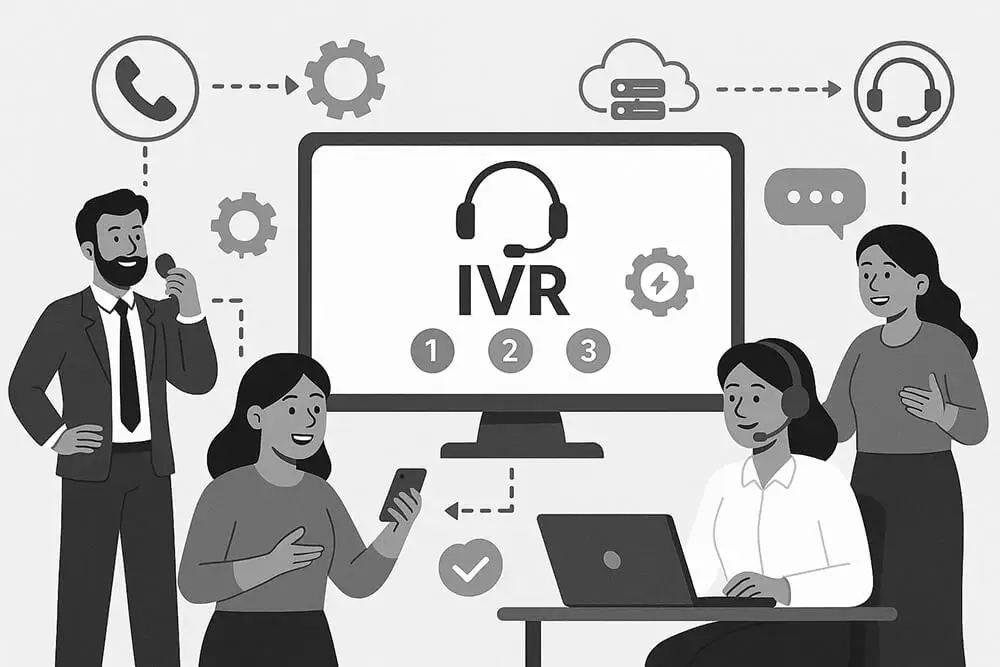
Caller Initiates Call
When a caller dials the business customer support number, the IVR responds instead of a live agent if connected with CRM IVR Solutions.
IVR Greets Caller
The IVR greets the caller and asks for the reason for calling support to better understand their needs.
Call Reception & Menu
The IVR displays a menu with numbered options, allowing users to choose the type of service they need.
Information Gathering
IVR collects specific details like caller name, contact number, and reason for calling before routing to appropriate agents.
Call Routing & Self-Service
Calls are routed to appropriate department members, or resolved through self-service options for common issues.
Benefits of IVR Solutions
Discover how IVR solutions can transform your customer service operations
Improve Efficiency
The CRM IVR Solutions can handle a large amount of data and call data without human interference, allowing your agents to focus on more important tasks.
Cost-effective
With IVR systems, you need fewer employees for customer support, reducing operational costs significantly.
24/7 Available
CRM IVR Solutions provide round-the-clock customer support, allowing customers to resolve issues without human interference.
Improve Customer Experience
Quick responses through IVR solutions lead to better customer engagement and long-term relationships.
Data Collection
The IVR system collects valuable customer information including names, contact numbers, and query details.
Integrating IVR with Groweon CRM Software
Integration of IVR with our Groweon CRM software provides powerful tools for your business
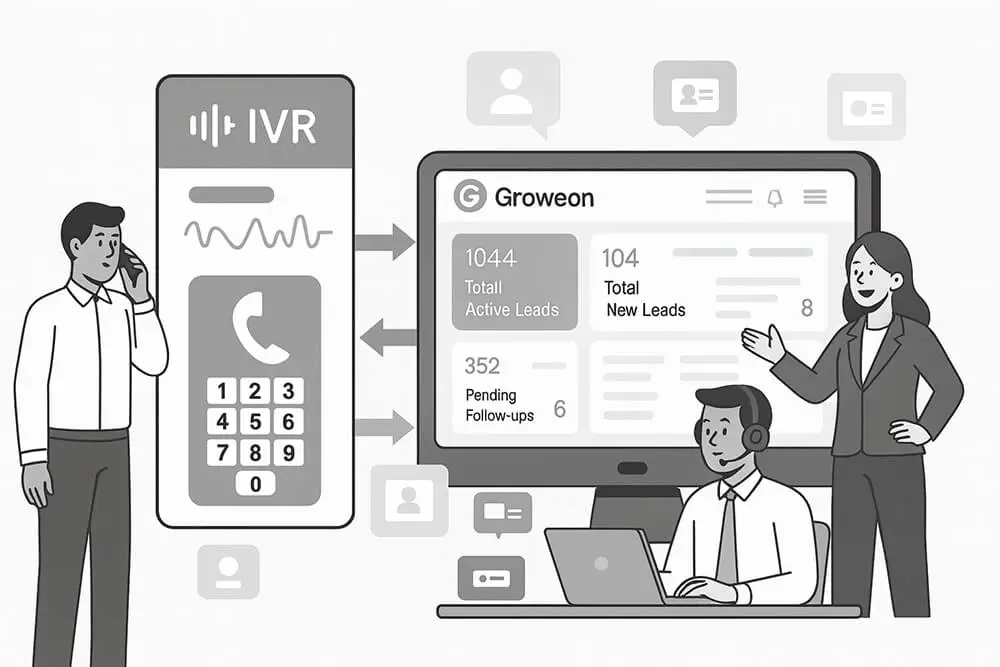
Unified Customer Data
When a caller dials the business customer support number, the IVR responds instead of a live agent if connected with CRM IVR Solutions.
Personalized Interactions
IVR can greet customers by name and reference their past behavior or queries, providing personalized service experiences.
Automated Ticketing
When IVR cannot satisfy a customer, it automatically generates tickets with user issues and sends them to appropriate agents.
Advanced Analytics
Analyze customer data and feedback to continuously improve customer support services and operational efficiency.
Key Features of IVR Solutions with Groweon CRM
Comprehensive features designed to enhance your customer service capabilities
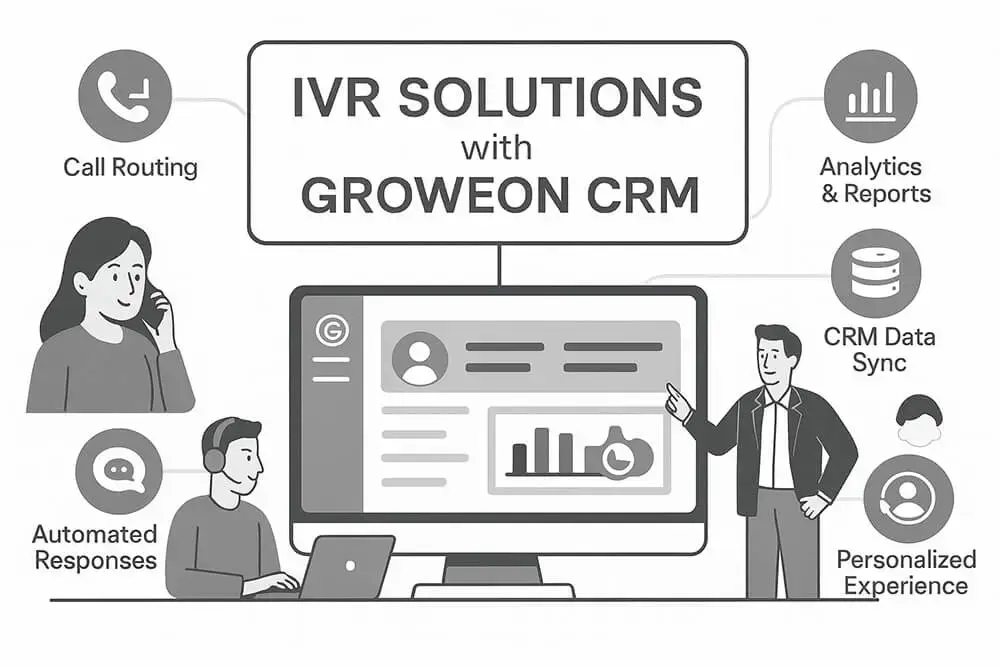
Customizable Call Flows
Design call flows according to your business needs and customize IVR menus for your support team.
Multi-language Support
Provide support in multiple languages, redirecting calls to agents who speak the customer's preferred language.
Reporting Tools
Monitor staff performance, call handling times, and customer satisfaction through comprehensive reporting.
Channel Integration
Monitor staff performance, call handling times, and customer satisfaction through comprehensive reporting.
Self-service Capabilities
Resolve common issues automatically without redirecting calls to live agents.
Implementing IVR Solutions with Groweon CRM
A structured approach to successful IVR implementation
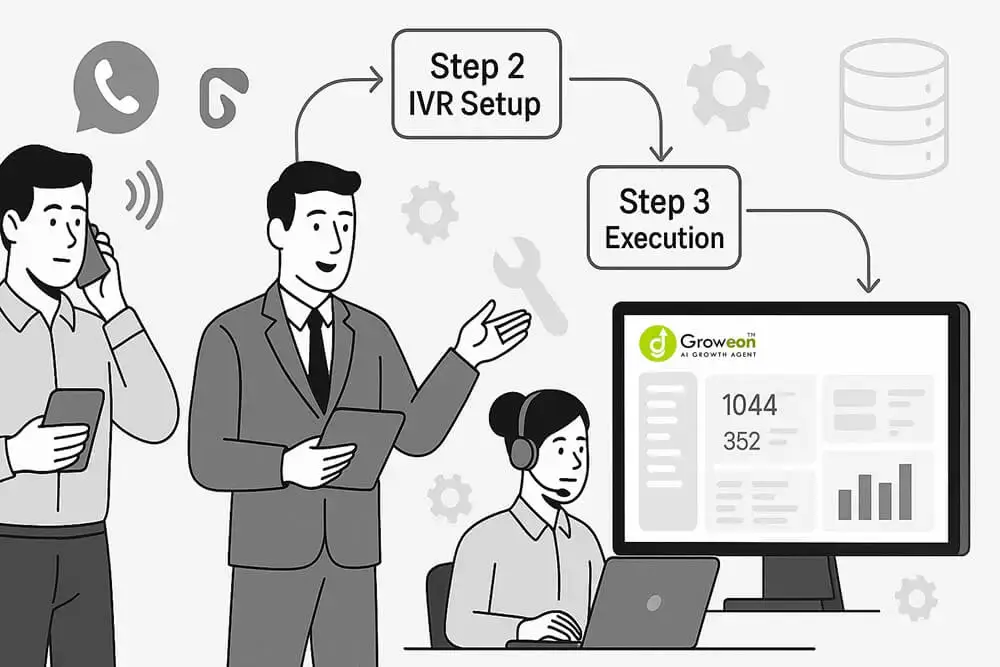
Needs Assessment
Understand your business requirements, frequently asked queries, and specific agent routing needs.
Design Call Flows
Create optimized call flows and customize prompt menus for the best customer support experience.
Integration
Integrate IVR with CRM software to ensure smooth data flow and communication channel integration.
Testing & Training
Test IVR functionality and provide comprehensive training to your customer support teams.
Deployment
Deploy the IVR system and continuously monitor performance for optimization opportunities.