How AI WhatsApp CRM Is Winning the Admissions Race in…
10 Apr, 2026
Every admission season in India feels like a sprint. Thousands...


Auto Capturing, nurturing, and converting potential customer leads.

Manage AMC contracts, track service requests, ensure timely renewals.

Tracks, resolves, manages issues, and gathers customer feedback.

Manage purchases, expenses, vendors, and POs efficiently with CRM.

Manages order lifecycle from placement to delivery completion.

Generates invoices and manages sales transactions and records efficiently.

Manages stock levels, tracks items, ensures efficient inventory control.

Manages dealer workflows, assigns leads, and tracks progress centrally.

WhatsApp CRM integration with bulk messaging, auto notifications, chatbots.

IVR enabled CRM integrates click-to-call, bulk dialling, recording features.

Achieves optimum productivity of tele-sales team with auto dialler.

Updated: 19th February, 2026
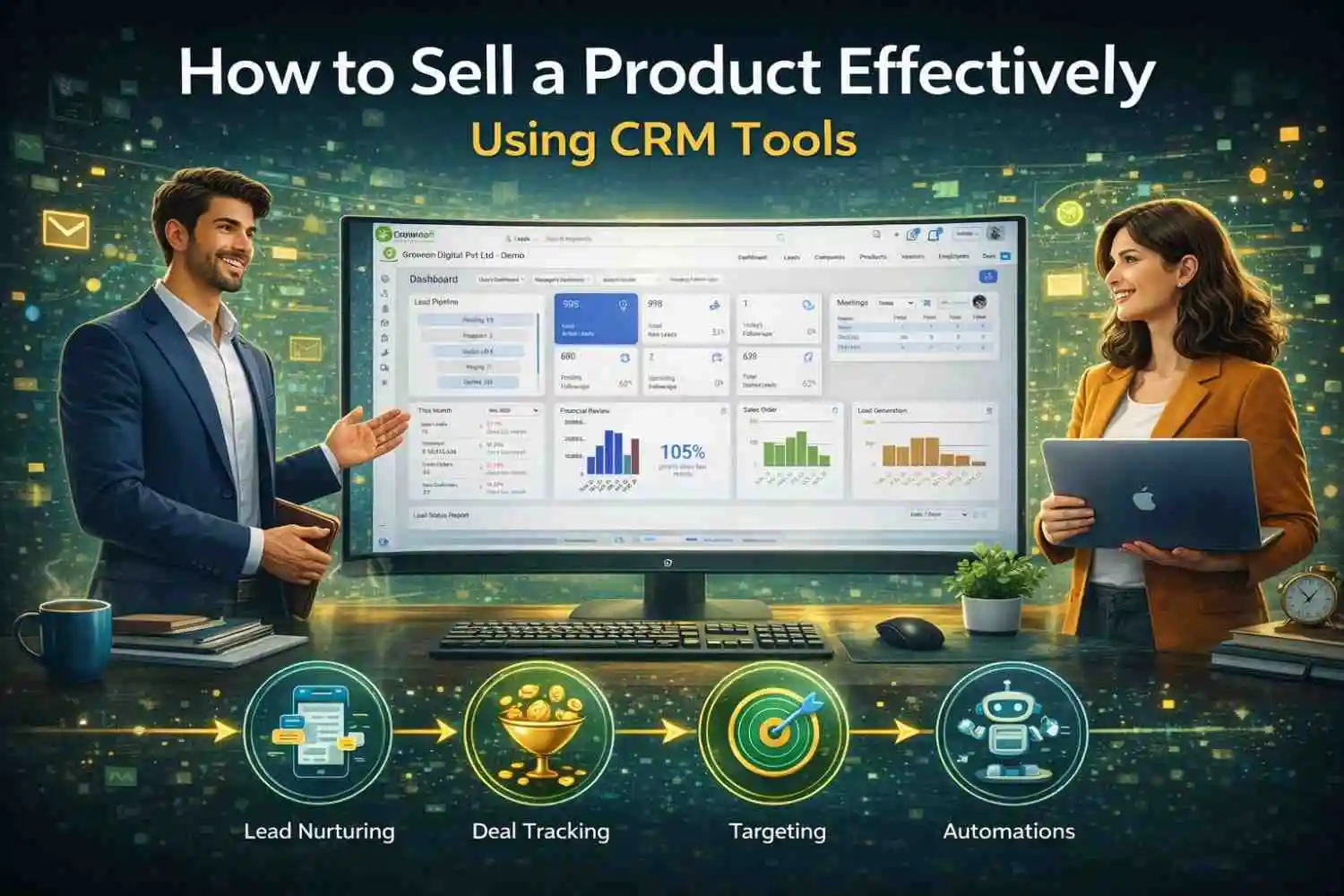
If your sales team is juggling spreadsheets, sticky notes, and scattered email threads to manage customer relationships, you’re leaving money on the table. Customer Relationship Management (CRM) tools have transformed the way modern businesses sell, and for good reason. Companies that use a CRM see sales increase by up to 29%, sales productivity rise by 34%, and forecast accuracy improve by 42%, according to Salesforce research.
But having a CRM isn’t enough. You need to know how to use it to close deals consistently. This guide walks you through everything you need to know about selling a product effectively using CRM tools, from setup to closing and beyond.
A CRM (Customer Relationship Management) tool is software that helps you manage, track, and optimize your interactions with potential and existing customers. Think of it as a central command hub for your entire sales operation.
When used correctly, a CRM doesn’t just organize data. It actively helps you sell smarter, follow up faster, and win more deals. Platforms like Groweon CRM are designed specifically to make this easy, giving your sales team a unified view of every lead, deal, and customer relationship without the complexity or cost of enterprise-level tools.
Before you can sell effectively, your CRM needs to be configured properly. Many teams skip this step and end up with a system full of incomplete, inconsistent data.
Define your sales pipeline stages. Every product has a unique sales journey. Map out the exact stages a prospect moves through, from “New Lead” to “Closed Won,” and configure your pipeline to reflect that reality. Common stages include: Lead Captured, Qualified, Demo Scheduled, Proposal Sent, Negotiation, and Closed.
Customize your fields. Out-of-the-box CRM fields rarely match your specific product or industry. Add custom fields that capture the information your team actually needs, such as budget range, decision timeline, primary pain point, or product interest.
Integrate your tools. A CRM becomes exponentially more powerful when connected to your email, calendar, marketing automation, support desk, and communication tools. These integrations eliminate manual data entry and ensure every customer touchpoint is automatically logged.
Set user permissions. Define who on your team can view, edit, or delete records. Proper permissions keep your data clean and protect sensitive customer information.
The best CRM in the world can’t help you if it’s full of bad data. Effective selling starts with capturing the right leads and qualifying them quickly.
Use web forms and landing pages. Most CRMs allow you to create forms that automatically push lead data into the system the moment someone fills them out. Connect your website, blog, and campaign landing pages to your CRM so no lead slips through the cracks.
Score your leads. Lead scoring assigns a numerical value to each prospect based on their behavior (emails opened, pages visited, demos requested) and demographics (company size, job title, industry). This helps your sales reps prioritize the hottest opportunities instead of chasing cold contacts.
Apply a qualification framework. Use a structured framework like BANT (Budget, Authority, Need, Timeline) or MEDDIC to qualify leads before investing significant time. Log these qualification notes directly in the CRM contact record so the entire team has context.
Segment your leads. Not all leads are equal. Segment them by source, product interest, geography, or company size so you can tailor your outreach accordingly. CRM filters and tags make this easy.
Generic outreach gets ignored. Personalized outreach gets responses. Your CRM holds everything you need to make every interaction feel tailored.
Review the contact timeline before every call or email. Your CRM stores a full history of every touchpoint, including emails, calls, meetings, and support tickets. Before reaching out, spend two minutes reviewing this history. Referencing a previous conversation or acknowledging a specific pain point shows the prospect you’re paying attention.
Use email templates, but personalize them. Most CRMs include email templates for common scenarios (first outreach, follow-up, proposal). Use these as a starting point, but always insert personal details pulled from the contact’s CRM record. Prospects can spot a cookie-cutter email instantly.
Leverage behavioral triggers. Modern CRMs can alert you when a prospect visits your pricing page, opens your proposal email, or watches a product video. These are buying signals, so act on them immediately. A well-timed follow-up based on real behavior dramatically increases your chances of a response.
Reference company news and milestones. If your CRM integrates with enrichment tools, you can surface recent news about the prospect’s company, such as funding rounds, leadership changes, or expansions. Referencing these in your outreach shows genuine interest and research.
One of the most powerful features of any CRM is the visual pipeline. Used actively, it becomes your roadmap to hitting quota.
Review your pipeline daily. Make it a habit to open your CRM every morning and review the state of your deals. Which ones are stalling? Which are ready to advance? This daily discipline prevents deals from dying quietly in the pipeline.
Move deals forward intentionally. Every deal should have a clear next action and a target close date. If a deal has been sitting in the same stage for more than a week without movement, it’s time to diagnose the issue. Your CRM can flag stale deals automatically.
Track deal velocity. How long does your average deal take to move from stage to stage? Your CRM can calculate this and show you where deals most often get stuck. Use this insight to proactively address objections or bottlenecks at those specific stages.
Use pipeline filters to focus. Filter your pipeline by deal size, closing probability, product type, or assigned rep to spot patterns. If you notice that large deals in the “Proposal Sent” stage rarely close within 30 days, you can adjust your timelines and forecasts accordingly.
Sales reps spend only about 35% of their time actually selling. The rest goes to administrative tasks, data entry, and internal communication. CRM automation can reclaim a significant portion of that lost time.
Automate follow-up reminders. Set up CRM workflows that automatically create a follow-up task if a prospect hasn’t responded within a set number of days. This ensures no deal goes cold simply because a rep forgot to circle back.
Use email sequences. Automated drip email sequences send a pre-written series of emails to prospects based on triggers like signing up for a demo or downloading a resource. These keep you top of mind without requiring manual effort for every touchpoint.
Automate deal stage updates. Configure your CRM to automatically move a deal to the next stage when certain conditions are met, for example, advancing from “Demo Scheduled” to “Demo Completed” after a meeting is logged.
Set up internal notifications. Notify sales managers when a high-value deal is created, when a deal has been stagnant for too long, or when a rep marks a deal as “Closed Won.” These notifications keep leadership informed without requiring constant check-ins.
Data-driven sales teams consistently outperform those relying on gut instinct. Your CRM is a goldmine of performance data, but only if you’re using it.
Track your key sales metrics. Regularly monitor metrics like conversion rate by pipeline stage, average deal size, sales cycle length, win rate by lead source, and revenue by product or rep. These numbers tell a story about what’s working and what isn’t.
Build a sales forecast. CRM forecasting tools use your current pipeline, historical close rates, and deal probabilities to predict future revenue. Share this forecast with leadership weekly to align expectations and resource planning.
Identify your best lead sources. Which channels (organic search, paid ads, referrals, events) bring in the leads that most often convert? Your CRM can answer this. Once you know your highest-performing sources, double down on them.
Run win/loss analysis. Tag every closed deal as “Won” or “Lost” and record the reason. Over time, patterns emerge. Maybe you lose most deals to a specific competitor, or maybe deals sourced from LinkedIn have a 60% higher close rate than cold email. These insights directly improve your strategy.
Sales and marketing misalignment is one of the biggest revenue killers in B2B companies. A shared CRM bridges that gap.
Create a shared lead handoff process. Define exactly when a marketing-qualified lead (MQL) becomes a sales-qualified lead (SQL) and how that handoff happens in the CRM. This prevents leads from falling between the cracks and stops sales reps from complaining about lead quality.
Close the feedback loop. Sales reps should log why leads converted or didn’t convert. Marketing can use this data to refine targeting, messaging, and campaigns. This feedback loop, powered by CRM data, continuously improves the quality of leads flowing to sales.
Connect your marketing automation platform. Platforms like Marketo, Mailchimp, or ActiveCampaign integrate with most CRMs. This means every email a prospect receives, every form they fill out, and every campaign they engage with is visible to your sales team in the CRM.
A CRM is only as good as the data in it, and the data is only as good as the team entering it. CRM adoption is one of the most persistent challenges in sales organizations.
Make the CRM the single source of truth. Leadership must reinforce that if it’s not in the CRM, it doesn’t exist. This cultural norm drives adoption faster than any training program.
Provide role-specific training. Sales reps, managers, and marketers use the CRM differently. Tailor your training to each role rather than delivering one-size-fits-all sessions.
Simplify data entry. If logging an activity takes more than 30 seconds, reps will skip it. Use mobile apps, email integrations, and voice-to-text features to minimize friction. The easier it is to log data, the more complete your records will be.
Celebrate CRM wins. Share examples in team meetings of deals that were won because a rep used CRM data effectively. Positive reinforcement builds habits.
Even experienced sales teams make these costly errors:
Using the CRM as a graveyard. Entering leads and never following up is the most common CRM failure. Your CRM should drive action, not just store data.
Skipping the qualification step. Filling your pipeline with unqualified leads makes your forecast unreliable and wastes your team’s time. Be disciplined about qualification criteria.
Ignoring mobile. Sales reps are often on the road. If they can’t update the CRM from their phone between meetings, data will fall behind. Ensure your CRM has a strong mobile app.
Neglecting data hygiene. Duplicate records, outdated contact information, and missing fields erode the trust your team places in the CRM. Schedule regular data audits and use deduplication tools.
Over-automating. Automation is powerful, but overdoing it can make your outreach feel robotic. Always ensure automated communications are personalized enough to feel human.
Selling a product effectively in today’s competitive landscape requires more than a great pitch. It requires data, timing, personalization, and consistency, and that’s exactly what a well-implemented CRM delivers.
If you’re looking for a CRM built to help growing sales teams move faster and close more, Groweon CRM is designed with you in mind. From visual pipelines and lead scoring to automated follow-ups and in-depth reporting, Groweon CRM gives your team everything it needs to sell smarter, without the complexity or steep learning curve of legacy tools.
The teams that win are the ones that treat their CRM not as a chore, but as their most valuable sales asset. By setting it up correctly, capturing quality data, automating intelligently, and using insights to continuously refine your approach, you’ll close more deals, build stronger customer relationships, and grow revenue in a predictable, scalable way.
Ready to put these strategies into action? Start your journey with Groweon CRM today and see the difference the right tool makes.
Q1. What is a CRM and how does it help sell products? A CRM (Customer Relationship Management) tool helps you track leads, manage customer interactions, automate follow-ups, and monitor your sales pipeline in one place. It helps sales teams stay organized, prioritize the right deals, and close more products faster by making data-driven decisions instead of relying on guesswork.
Q2. How do I use a CRM to manage my sales pipeline effectively? Start by defining your pipeline stages to match your actual sales process. Then review your pipeline daily, set clear next actions for every deal, track how long deals spend in each stage, and use filters to spot bottlenecks. A CRM like Groweon CRM makes this visual and intuitive so nothing slips through.
Q3. Can a CRM help with lead generation and qualification? Yes. CRMs capture leads automatically from web forms, landing pages, and campaigns. You can then score leads based on behavior and demographics, apply qualification frameworks like BANT, and segment contacts for targeted outreach, ensuring your sales team focuses only on the most promising prospects.
Q4. How does CRM automation improve sales productivity? CRM automation handles repetitive tasks like follow-up reminders, email sequences, deal stage updates, and internal notifications. This frees up your sales reps to spend more time actually selling rather than on manual admin work, which directly increases the number of deals they can manage at once.
Q5. Is Groweon CRM suitable for small and growing businesses? Absolutely. Groweon CRM is built with growing sales teams in mind, offering powerful features like pipeline management, lead scoring, automated workflows, and reporting, without the overwhelming complexity or high costs of enterprise tools. It’s designed to help businesses scale their sales process efficiently from day one.

10 Apr, 2026
Every admission season in India feels like a sprint. Thousands...

08 Apr, 2026
The education sector is no longer just about classrooms and...

06 Apr, 2026
Introduction Every Indian SMB sales team faces the same daily...

03 Apr, 2026
Your sales rep just finished a demo. The prospect seemed...

02 Apr, 2026
Your follow-up message is written. The lead is warm. Now...