

How Businesses Can Use QR Codes to Improve Customer Engagement
26 Oct, 2026
It’s easier to scan a QR code than to type...
Updated: 5th October, 2026
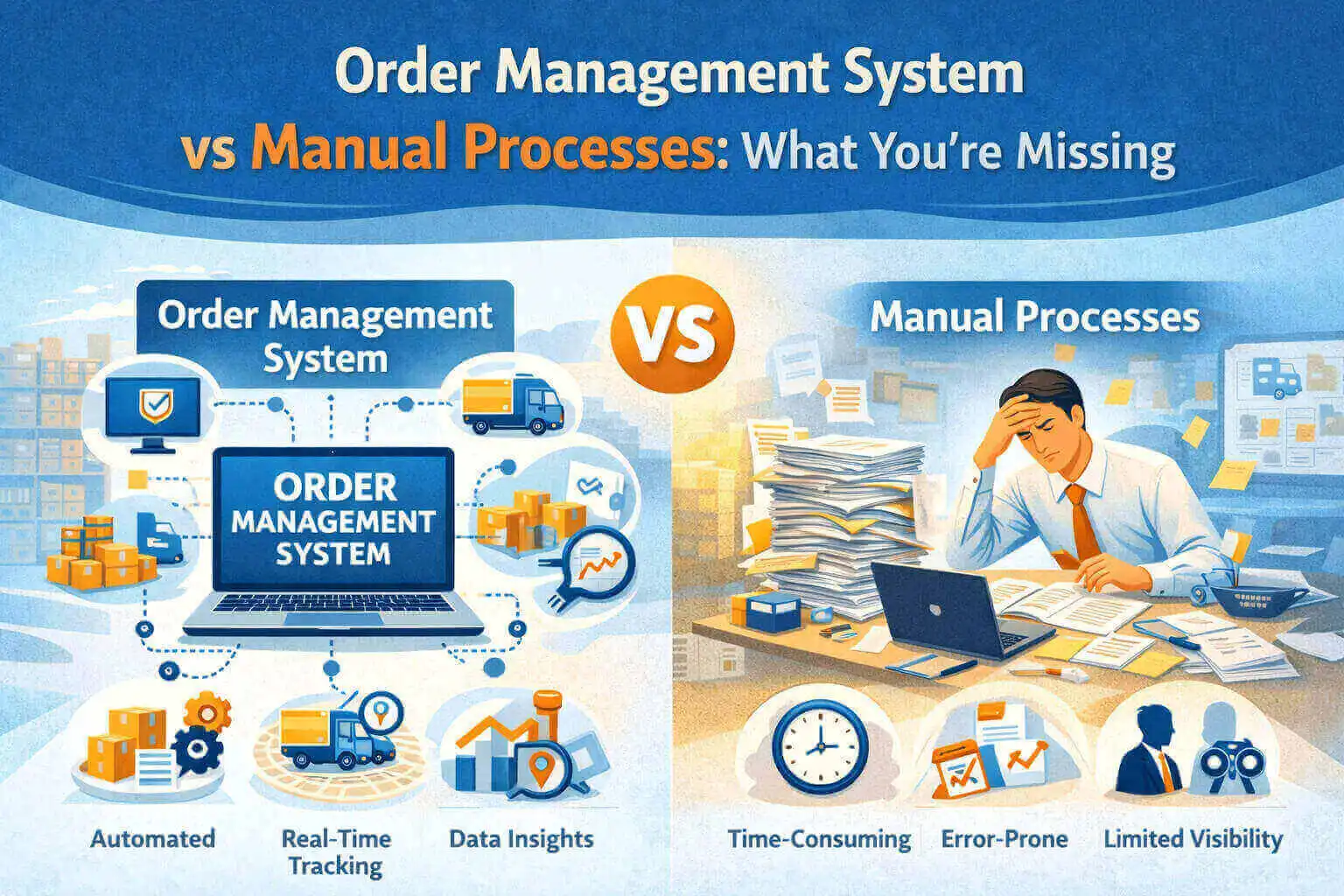
For many growing businesses, order handling starts with simple tools. A few Excel sheets, WhatsApp messages, phone calls, and maybe a shared email inbox. At first, this feels manageable. Orders are fewer, customers are known, and everyone “just remembers” what to do.
But as the business grows, the same process slowly turns into daily chaos.
Someone forgets to update the stock.
Invoices are delayed.
Customers keep calling for order status.
And the most common question in the office becomes:
“Ye order kaun handle kar raha hai?”
This is where the real difference between manual processes and an Order Management System becomes clear.
Manual order processing usually means handling orders through spreadsheets, registers, WhatsApp chats, emails, and individual follow-ups. There’s no single system—just people trying to keep things together.
In the beginning, this feels flexible. You can make quick changes, adjust things on the fly, and nothing feels “too formal.”
But over time, problems start piling up.
Orders are written in different formats.
Data is updated late—or not at all.
If one person is absent, everything slows down.
Mistakes happen because humans are doing repetitive work.
Manual processes don’t fail suddenly. They fail slowly, day by day.
An Order Management System (OMS) is a centralized platform that manages the entire order lifecycle—from order creation to delivery and invoicing.
Instead of scattered data, everything lives in one place:
A modern order management solution acts like a single source of truth for your business.
Anyone can check an order’s status without calling five people.
Manual Process:
You rely on memory, chats, or spreadsheets. If a customer asks about an order, you need time to check.
Order Management System:
Order status is visible instantly. Anyone can see whether it’s pending, processed, shipped, or delivered.
This alone saves hours every week.
Manual Process:
Wrong quantities, duplicate entries, missed invoices—these errors are common and expensive.
Order Management System:
Automation reduces human errors. Data flows from order to invoice without re-entering the same details.
Fewer mistakes = happier customers.
Manual Process:If one key employee is on leave, everything stops. Knowledge stays in people’s heads, not in the system.
Order Management System:
Processes stay consistent even if team members change. Anyone with access can continue the work.
This gives long-term stability.
Manual Process:
Stock updates happen late. Sometimes sales teams promise products that are already out of stock.
Order Management System:
Inventory updates in real time. Sales teams know exactly what’s available before confirming orders.
No more awkward calls to customers.
Manual Process:
Customers need to follow up repeatedly. Responses depend on who picks up the call.
Order Management System:
Faster responses, accurate updates, and professional communication improve customer trust.
A smooth backend always reflects on the front end.
Many businesses think an order management system is only about “software.” In reality, it’s about control and clarity.
Without an OMS, you miss:
You also miss the chance to grow without breaking your internal processes.
Growth puts pressure on weak systems.
What works for 10 orders a day won’t work for 100.
What works with 3 people won’t work with 20.
A scalable order management solution grows with your business. It standardizes workflows while still allowing flexibility.
Instead of firefighting every day, teams can focus on actual work.
Many businesses avoid OMS thinking it’s an “extra cost.”
But manual systems cost you in hidden ways:
An order management system doesn’t just save time—it saves reputation.
Switching to an OMS doesn’t mean changing everything overnight.
Most businesses start small:
The goal is progress, not perfection.
Once teams see the clarity an OMS brings, there’s no going back.
Manual processes may feel comfortable, but comfort often hides inefficiency.
An Order Management System brings structure without complexity. It removes guesswork, reduces stress, and gives your business a reliable backbone.
If orders are the heart of your business, managing them properly isn’t optional—it’s essential.
If your team is struggling with scattered orders, delayed invoices, or constant customer follow-ups, it’s time to move beyond manual processes.
Explore a smart order management solution and bring clarity, speed, and control back to your operations.

26 Oct, 2026
It’s easier to scan a QR code than to type...

26 Oct, 2026
Summary FMCG CRM Software connects field sales teams, distributors, retailers...

26 Oct, 2026
A supplier emails you a price sheet. But there is...

26 Oct, 2026
Summary Choose CRM Software according to your sales process, business...

23 Oct, 2026
Summary Compare 10 field service and field workforce software options...