AI Calling Agent vs Human Telecaller: Who Converts More Leads?
17 Jul, 2026
Summary An AI calling agent responds in seconds; a human...


Auto Capturing, nurturing, and converting potential customer leads.

Manage AMC contracts, track service requests, ensure timely renewals.

Tracks, resolves, manages issues, and gathers customer feedback.

Manage purchases, expenses, vendors, and POs efficiently with CRM.

Manages order lifecycle from placement to delivery completion.

Generates invoices and manages sales transactions and records efficiently.

Manages stock levels, tracks items, ensures efficient inventory control.

Manages dealer workflows, assigns leads, and tracks progress centrally.

WhatsApp CRM integration with bulk messaging, auto notifications, chatbots.

IVR enabled CRM integrates click-to-call, bulk dialling, recording features.

Achieves optimum productivity of tele-sales team with auto dialler.

Updated: 18th December, 2025
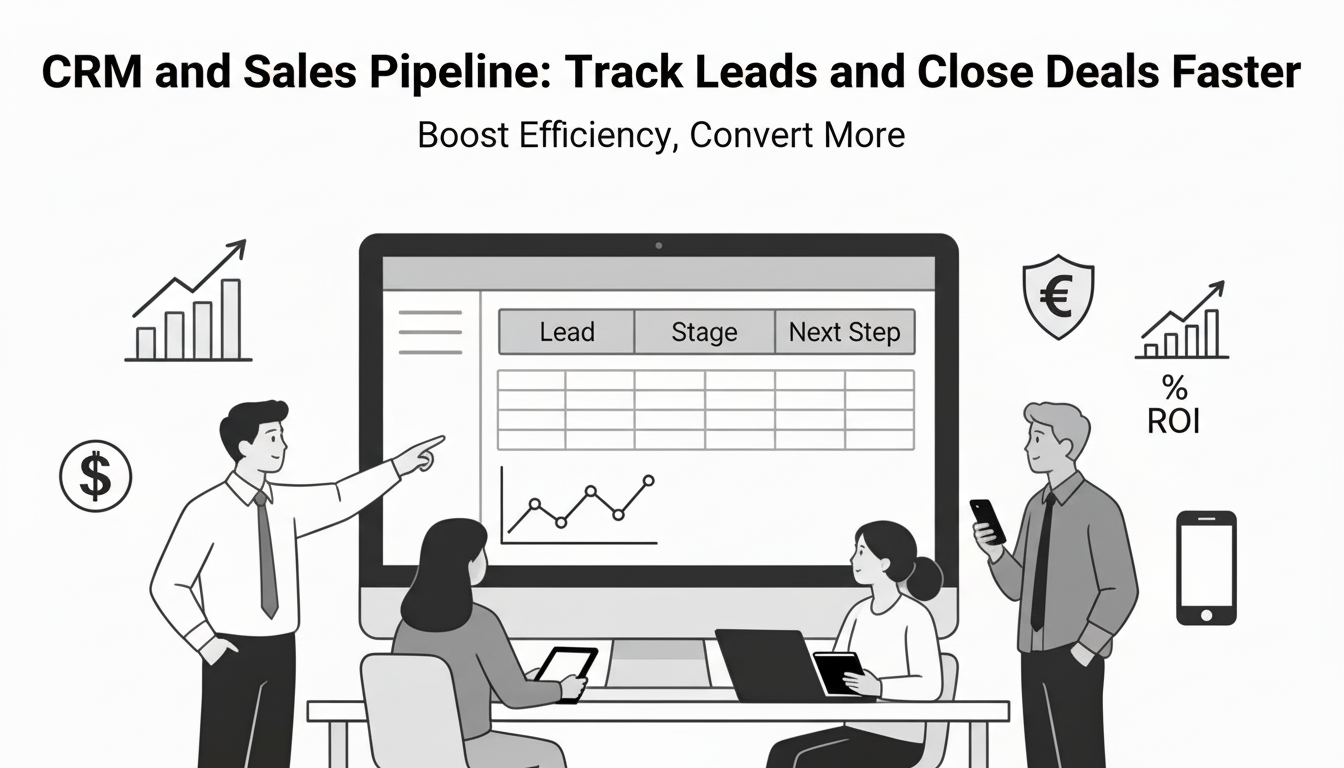
Most sales teams don’t lose deals because of price or competition—they lose them because no one followed up at the right time. A sales pipeline is the simplest way to bring discipline to CRM and sales: it shows where every lead/deal stands, what should happen next, and what’s most likely to close. When the pipeline lives inside a CRM (not in spreadsheets and inboxes), follow-ups become consistent, reporting becomes reliable, and deals move faster because the team works from one system.
This guide explains how to build a practical CRM and sales pipeline that improves speed, visibility, and conversion—without overcomplicating your process.
A sales pipeline is a stage-by-stage view of deals from “new lead” to “closed-won/closed-lost.” The pipeline isn’t just a visual; it’s an operating system for reps and managers to:
A pipeline becomes truly useful only when stages are clearly defined and consistently updated in your CRM.
In practice, CRM and sales succeed together when the CRM is treated as the source of truth—not a reporting tool you update at month-end. A good CRM pipeline setup gives you:
If the CRM doesn’t reduce effort for reps, adoption will fail—so the setup must be simple and operational.
Keep stages minimal so reps actually use them. Here is a practical 6-stage pipeline that works for many SMB/B2B teams:
The exact stage names matter less than consistency. The key is to define what must be true for a deal to enter and exit each stage.
Step 1: Map stages to your buyer journey
Start from how customers actually buy from you. If buyers typically need a demo before pricing, “Discovery/Demo” must come before “Proposal.” If buyers ask for pricing early, adjust accordingly. The pipeline should mirror reality, or it will be ignored.
Step 2: Write entry/exit rules (this is the “quality control”)
For each stage, write clear criteria so deals don’t move based on gut feel.
Example:
These rules are what make CRM reporting trustworthy.
Step 3: Keep required CRM fields minimal (to avoid data fatigue)
If you want adoption, start with a tight set of required fields:
Everything else can be optional until the team is consistent with basics.
Step 4: Add “next step discipline” (the fastest way to close faster)
A deal without a next step is a deal that will stall. Set a non-negotiable rule:
This one habit reduces pipeline stagnation dramatically.
Closing faster is usually about removing friction, not “more follow-ups.”
Your CRM should make these actions easy, not add admin.
A pipeline becomes powerful when reviewed consistently. Run a weekly review with this structure:
Pipeline reviews are not status meetings—they are decision meetings.
Dirty pipelines kill forecasting and focus. Do a monthly clean-up:
A smaller clean pipeline beats a large imaginary one every time.
Track these in your CRM dashboard:
These metrics tell you exactly what to fix—process, follow-up, qualification quality, or proposal clarity.
A CRM is only as powerful as the sales process running inside it. When your CRM and sales pipeline are built with clear stages, strict entry/exit criteria, and “next step discipline,” you stop losing deals to poor follow-ups and unclear ownership. Your team spends less time guessing and more time moving deals forward.
Start simple: use a 6-stage pipeline, keep required fields minimal, run a weekly pipeline review, and clean the pipeline monthly. Within a few weeks, you’ll see better visibility; within a few months, you’ll see faster deal movement and more predictable revenue.
Are you struggling with sales pipeline management?
If leads are slipping through the cracks, follow-ups are inconsistent, or you can’t trust your pipeline reports, it’s time to run your sales process inside a proper CRM.
Get a Groweon CRM demo and see how to set up pipeline stages, assign owners, automate follow-ups/reminders, and track every lead from first touch to closed-won—without messy spreadsheets.
1. What is the difference between a CRM and a sales pipeline?
A CRM is the system that stores and manages customer and deal data, while a sales pipeline is the structured flow of stages a deal moves through inside the CRM. The pipeline defines how deals progress; the CRM ensures every activity, follow-up, and decision is tracked in one place.
2. How many stages should a sales pipeline have?
For most SMB and B2B teams, 5–7 stages work best. Fewer stages lack visibility; too many stages reduce adoption. A 6-stage pipeline—New Lead, Qualified, Discovery/Demo, Proposal, Negotiation, Closed—keeps the process simple and actionable.
3. Why do deals get stuck in the pipeline?
Deals usually stall because:
No next step is defined
Follow-ups are inconsistent
Proposals are sent without scheduled review calls
Close dates aren’t regularly revalidated
Enforcing “next step + date” discipline inside the CRM prevents most pipeline stagnation.
4. How often should a sales pipeline be reviewed?
A weekly pipeline review is ideal. This review should focus on deal movement, stalled opportunities, realistic commitments, and cleanup—not just status updates. Monthly deep clean-ups help keep forecasts accurate and pipelines realistic.
5. Can a CRM really help close deals faster?
Yes—when used operationally. A CRM helps close deals faster by enforcing follow-ups, making next steps visible, reducing response delays, capturing objections, and preventing deals from going cold due to missed activity. Speed comes from clarity and consistency, not pressure.

17 Jul, 2026
Summary An AI calling agent responds in seconds; a human...

16 Jul, 2026
Look at five CRM websites and you’ll see the same...

13 Jul, 2026
Agentic AI in Education CRM helps education institutes increase student...

09 Jul, 2026
Summary Agentic AI for sales follow-up removes the bottlenecks in...

06 Jul, 2026
Traditional CRM is not dead, but for most businesses it...