Agentic CRM Taught Sales Teams a Hard Truth: A Large…
30 Jun, 2026
Summary: Sales reps lose a large share of their working...


Auto Capturing, nurturing, and converting potential customer leads.

Manage AMC contracts, track service requests, ensure timely renewals.

Tracks, resolves, manages issues, and gathers customer feedback.

Manage purchases, expenses, vendors, and POs efficiently with CRM.

Manages order lifecycle from placement to delivery completion.

Generates invoices and manages sales transactions and records efficiently.

Manages stock levels, tracks items, ensures efficient inventory control.

Manages dealer workflows, assigns leads, and tracks progress centrally.

WhatsApp CRM integration with bulk messaging, auto notifications, chatbots.

IVR enabled CRM integrates click-to-call, bulk dialling, recording features.

Achieves optimum productivity of tele-sales team with auto dialler.

Updated: 16th September, 2025
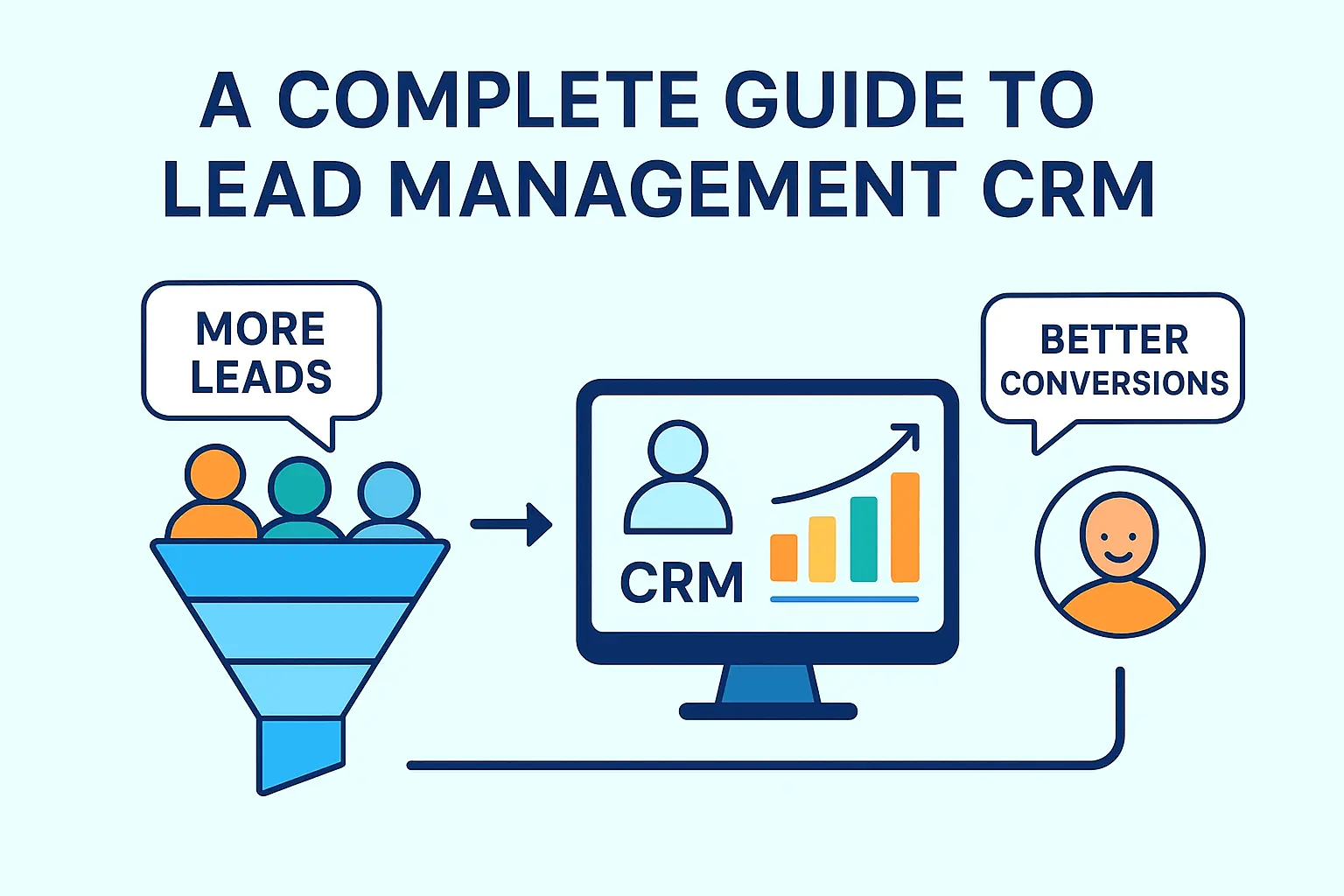
In this blog, we will see what the process of lead management is, and how this software helps you to manage your business easily.
A lead Management CRM Software is a set of comprehensive tools that help you track, manage valuable leads and turn those leads into potential customers with ease.
The software helps businesses to track, capture, and organize leads and automatically follow up. So that you never lose any opportunities. Instead of juggling with a messy spreadsheet, scattered information, and sticky notes, CRM brings all things to one integrated place. Make things simple and easy so that your user always stays at the top of every individual interaction.

In short, it lets you work smarter—not harder—by giving you the structure and. insight to build stronger relationships and close more deals.
Lead Management Software centralizes all your lead information, keeping lead details like contacts, interactions, and history. Organised leads in one integrated place, so you don’t need to switch multiple tabs.
CRM automatically captures all your leads from different lead sources like WhatsApp Campaign, Facebook Campaign, LinkedIn, Instagram, email, sms etc, ensure no leads will be missed.
Whenever any changes are made to leads, crm updates all the things in real time. You always get updated data. This software keeps all your data accurate and in sync across different systems.
CRM automates your daily repetitive tasks, sets automated follow-up reminders so that you never miss any opportunity, and most importantly, it saves time for you, allowing you to focus on other important tasks.
Provides you with a visual view of your sales pipeline so that you can see the current stage of every single lead. Help you to make further decisions to crack leads.
With CRM, you will get all interactions in one place, all your meetings, emails, notes, and calls are logged, so you always have knowledge about the current status of leads. Pitch the customer accordingly.
CRM Prioritise leads based on past behaviour, customer interest, and engagement with the user. So that you spend your time on those leads that have the probability of converting into a valid customer.
Organise leads by behaviour, source, or demographics to deliver highly targeted campaigns that connect.
You can send personalised offers, posts, and ads to your customers for better engagement according to lead activity..
Advanced Lead Management Software can integrate different tools like Marketing, Accounting, Order Management, and AMC for a smooth workflow.
Provides different Reporting and Analytics tools, with which you can get detailed insights into sales, User Performance, and Marketing. You can make new strategies for more conversions.
Manage your leads anywhere. Update statuses, schedule tasks, and respond in real time—straight from your phone or tablet.
Lead management is a process in which leads are managed efficiently—from the moment a customer shows interest in a product to the point where they are ready to purchase it. It is a step-by-step approach to nurture leads and guide them toward making the right decision
Here’s how it typically works:
This is the initial step. Businesses often get leads from different sources like Facebook Campaign, WhatsApp, Instagram, LinkedIn, other tools like email, SMS, Website, Phone etc. The goal is to capture their contact details, through lead capture methods.
After capturing leads, the further task is that now you need to store that leads, sort them and organize accordingly. This is where CRM Software comes in existence, what it does. The CRM Software organizes those leads at one centralised place. You can identify fron which source you are getting more leads, and interest of customer. Assign those leads to appropriate users.
Not every customer is ready to buy, some fill enquiries just to gain knowledge about the product. The system helps you identify and prioritize the valid ones according to interest, budget, timeline, and engagement with users. These leads are the ones who meet your criteria and can be converted to paid customers, so that you can focus on the right leads.
This is the step where we focus on building a good relationship with the client. We send helpful emails to the client, share relevant information about the product in which they are interested, personally follow up, and answer their questions. This basically helps in building trust with the lead. Effective lead nurturing keeps the business on the radar until they buy our product.
This is the final and important step where we convert our nurtured leads into paid customers. And this can be possible through demos, direct conversations or meetings, budget-friendly offers, etc. And here the purchase journey with our particular customer is completed.
Creating a lead-management CRM can transform how you collect, organize, and convert leads. Here’s how to do it in easy, manageable steps:
Begin by considering your business requirements—i.e., how small or large your business is, how sales happen, and whether you’ll be expanding. A user-friendly, extensible, mobile-accessible CRM that integrates with software you’re already using is a good place to start. For mid-market or small business start-ups, try a few free trials before you purchase.
Tailor the CRM to fall within your sales cycle, from lead acquisition through sales closure. Make use of functionalities like custom fields, tags, and pipelines for prioritization and sales lead organization for easier follow-up.
Set up automatic lead capture from email, social, or your site. Take advantage of lead scoring to automatically select your best prospects by how they act and by their profile. Then automatically assign them to the right sales reps for expedient follow-up.
Use CRM workflows to send automatically triggered email and personalized messages on lead action, for instance, clicking on a link for a product. This keeps the lead active and moving down your funnel without further manual effort.
Get your sales, marketing, and support groups using the CRM as a central location. Having them enter notes, share updates, and follow progress in the CRM keeps everyone current on the latest status of every lead.
Track conversion rates, lead sources, and at what stage the prospect most commonly falls off. If the lead goes cold following initial interaction, adjust the follow-up strategy. Leverage these insights to optimize the sales process.
The best CRM won’t matter if staff do not feel at ease using it. Train staff and get staff feedback on occasion so you can improve how you do things and boost usage.
A lead management CRM facilitates lead capturing, sorting, and converting customers more efficiently. The program reduces wasted time by having tasks like lead allocation and lead grading done for you automatically. By boosting collaboration and analytics, teams stay in alignment and make better-informed decisions. You have customization so you have the CRM tailored to fit your particular sales process. Overall, the program improves efficiency, boosting conversions and business growth.
30 Jun, 2026
Summary: Sales reps lose a large share of their working...

30 Jun, 2026
Summary: An agentic sales team is a group of AI...
29 Jun, 2026
Summary: Agentic CRM adoption is no longer a luxury for...

26 Jun, 2026
TheSummary: Agentic AI is helping Indian educational institutions respond to enquiries...

24 Jun, 2026
Summary: Agentic CRM is a CRM system powered by autonomous...