

Best Mobile CRM Apps for Sales Teams in India (2026…
09 Oct, 2026
Summary (TL;DR): The best mobile CRM apps in India combine...
Updated: 9th October, 2026
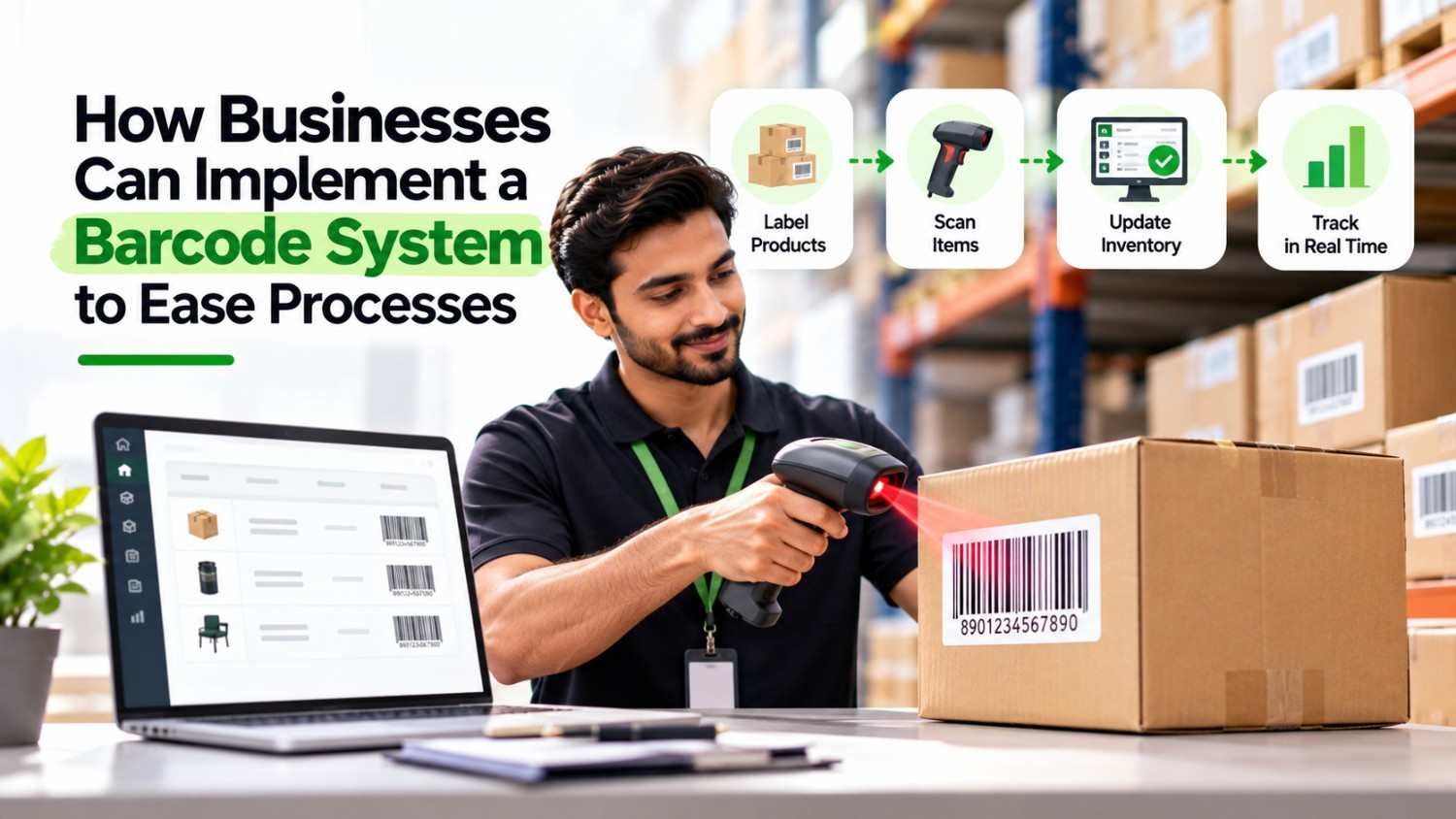
A barcode system turns every scan into an accurate record. Follow these steps to implement one:
To implement a barcode system, evaluate your business needs, choose compatible hardware and software, define a labeling standard, generate and verify the codes, print and place the labels, and train your staff. These seven steps replace manual data entry with a scannable workflow. As a result, order and stock errors drop. Adoption is also rising, because a 2025 Bitly study found that 93% of marketers used QR codes, a type of 2D barcode, in digital marketing over the past 12 months.
Delayed orders and shipment errors hurt every business. For example, one mistyped tracking number can frustrate a customer and trigger costly rework. Barcodes remove that risk, and they also speed up stock keeping, order management, and product delivery. This guide walks you through each step, so you can set up a system that works from day one.
A barcode system is a combination of labels, scanners, printers, and software that captures item data through a scan and stores it in a database. Each code points to a record, such as a SKU, an order, or a physical asset. Therefore, staff scan a label instead of typing a number.
The table below compares manual entry with a barcode workflow.
| Factor | Manual Entry | Barcode System |
|---|---|---|
| Speed | Slow, one character at a time | Fast, one scan per item |
| Accuracy | Prone to typing mistakes | Consistent when the code is correct |
| Record Updates | Delayed until someone types them | Immediate when software is connected |
| Scalability | Slows down as volume grows | Handles higher volume with the same effort |
Because of this, even a small business benefits from barcodes once order or stock volume grows.
Use this table as a quick reference. Each step appears in detail below.
| Step | What You Do | Result |
|---|---|---|
| 1 | Evaluate your business needs | A clear scope and use case |
| 2 | Choose software and hardware | A working scan, process, and print chain |
| 3 | Define a labeling standard | Consistent labels across products |
| 4 | Generate the codes | Accurate codes linked to each SKU |
| 5 | Verify the codes | No faulty labels reach print |
| 6 | Print and place the barcodes | Scannable, ready stock |
| 7 | Train your staff | Smooth daily use |
A barcode system is not a one-size-fits-all solution. A supermarket needs a far more advanced setup than a small street-side food vendor. Therefore, define your requirements first. Ask yourself these questions:
Once you know the answers, every later decision becomes easier. Barcodes also help buyers and manufacturers alike, because a single scan returns key product details instantly. For instance, manufacturers print barcodes on product packaging, and a scan pulls up the full inventory record. That is why this step matters so much.
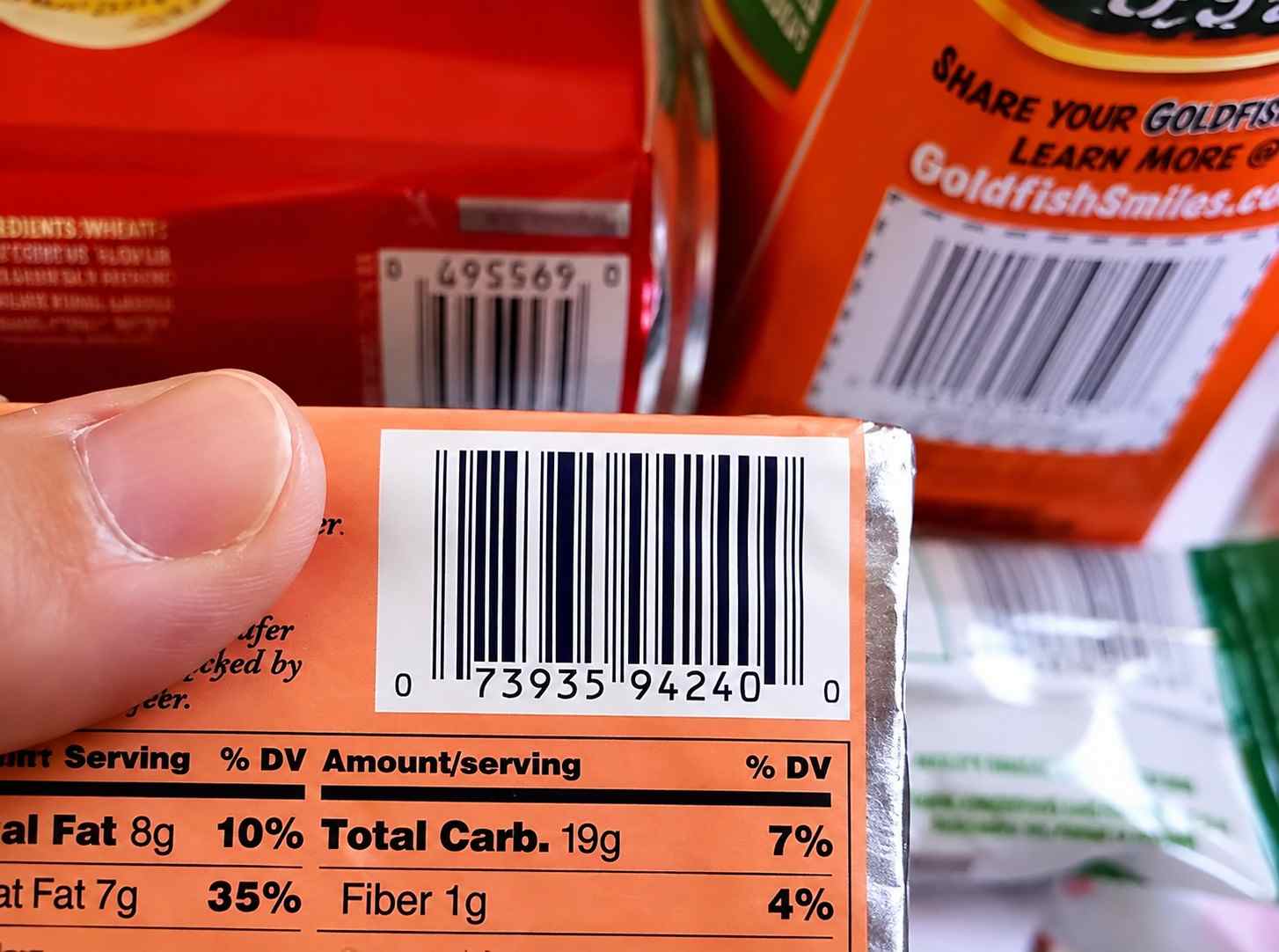
A barcode system needs both hardware and software. The hardware includes a barcode scanner and a barcode printer. The software processes the scanned data and connects it to your records.
These components work as one chain. The scanner reads the code, the software processes the data, and the printer produces the output. A supermarket checkout shows this clearly: the cashier scans the product, the software generates the bill, and the printer issues the receipt.
| Component | Role | Common Options |
|---|---|---|
| Scanner | Reads the barcode and sends its value to the software. | Handheld scanner, smartphone camera, fixed-mount scanner, online barcode scanner |
| Printer | Prints clear, durable barcode labels for products, stock, or assets. | Direct thermal printer, thermal transfer label printer |
| Software | Connects each scanned barcode to the relevant stock, order, or asset record. | Inventory management software, order management software |
This requirement holds whether you use a physical scanner or an online barcode scanner. Your software choice matters most, because it decides how well barcode data flows into daily operations. For example, Groweon Stocks, our inventory management software, keeps stock records current as items move in and out. Likewise, Groweon Orders, our order management software, links each scanned item to its order from placement to delivery.
Barcode types differ by use case, so pick the standard that fits your operations. The table below compares 1D vs 2D barcodes.
| Feature | 1D (Linear) Barcodes | 2D Barcodes |
|---|---|---|
| Data Capacity | Low; usually stores an ID or number. | High; can store text, URLs, and contact details. |
| Structure | Uses parallel lines and spaces. | Uses patterns across horizontal and vertical dimensions. |
| Space Needed | Generally requires more space. | Can store more data in a compact space. |
| Common Uses | Retail, logistics, and inventory management. | Digital marketing, mobile payments, and small components. |
1D barcodes (linear)
These barcodes use parallel lines and spaces to encode data. Businesses widely use them for product identification, retail, logistics, and inventory management. Common examples include:
2D barcodes
These barcodes store data in both horizontal and vertical directions. Because of this, they hold more information in a smaller space. Common examples include:
If you sell through retail chains or online marketplaces, register with GS1 India to get a company prefix for EAN-13 codes. For internal use, such as stock rooms and asset tags, Code 128 or QR codes work without registration.
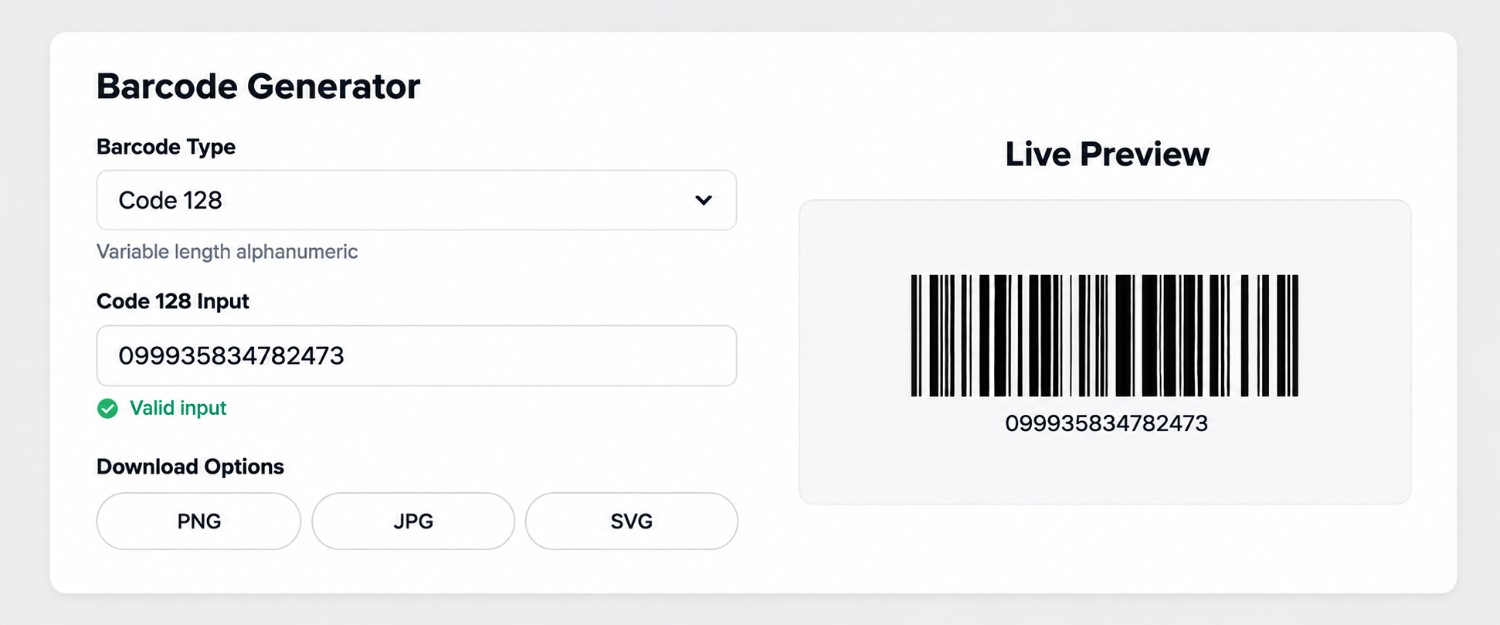
Next, generate your codes. Many online barcode generators create a code within seconds, and some are free. Choose one that matches your needs and preferences.
While generating codes, follow the correct labeling standard for your industry. In addition, double-check that you enter the accurate SKU or input code. A single wrong digit can link a label to the wrong product. Use the same SKU format in your barcode and in your software, so every scan matches its record.
We generated the sample below using a random online barcode generator.
Always verify a code before you print it. This check catches encoding errors early, before they turn into costly mistakes on hundreds of labels.
An online barcode scanner makes this quick. It runs in your browser, so you do not need to download anything or register an account. It also scans codes in real time. For best results, test each sample label with both a handheld scanner and an online scanner, because both should return the same value. The image below shows how an online barcode scanner works.
As a result, you can spot encoding or scanning problems before the system goes live.
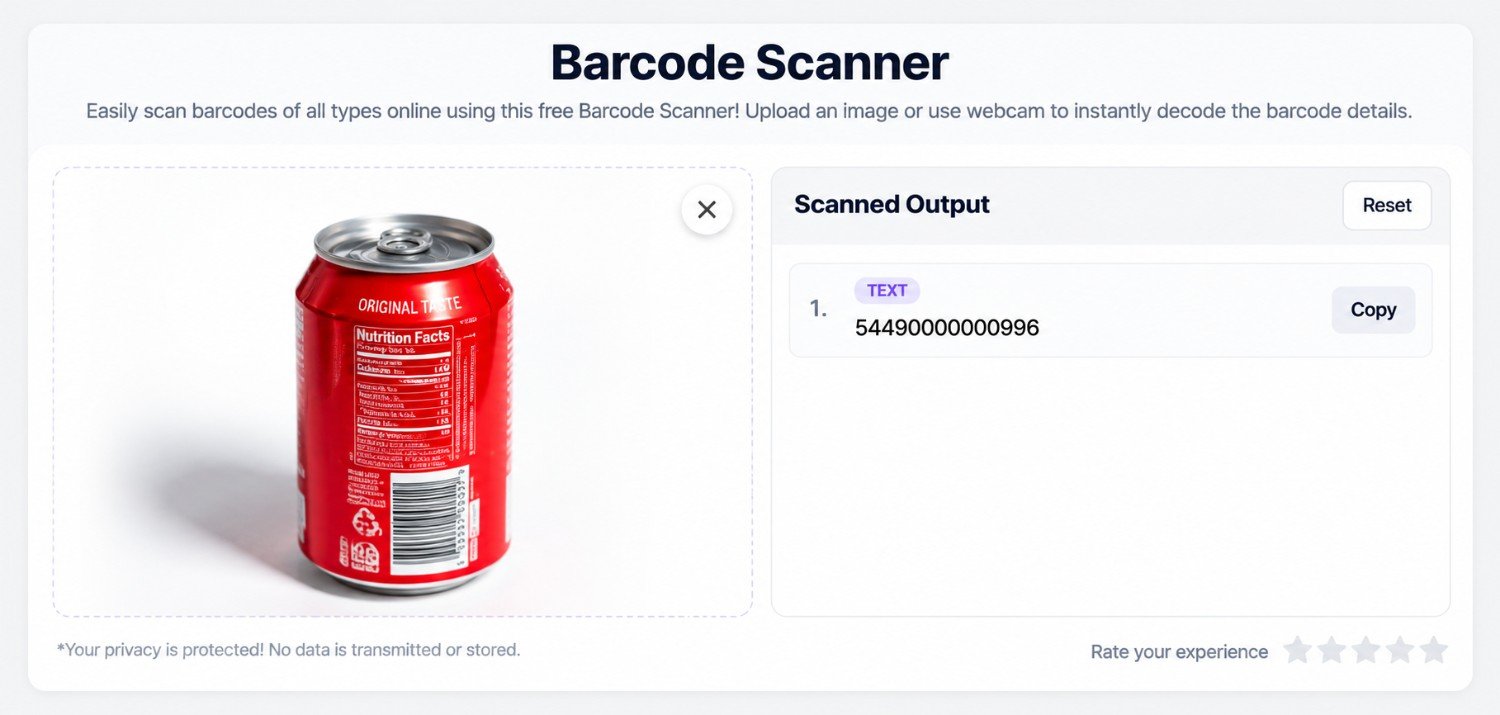
Once verified, print the barcodes and attach them to your stock items. Place each label in a visible, easily reachable spot so that staff can scan it quickly. Also, keep the label clear of other important product information, such as pricing or ingredient details.
Even a verified code can fail in practice. Check this table before you print a full batch.
| Mistake | Result | Fix |
|---|---|---|
| Low print contrast | The scanner misses the code. | Print dark bars on a light background. |
| No blank margin around the code | The scan fails. | Keep a clear margin on all sides. |
| Label on a curved or creased surface | The code distorts. | Place the label on a flat area. |
| Wrong SKU entered during generation | The scan returns the wrong item. | Check the SKU before printing. |
| Same code on different products | Stock counts merge. | Assign one unique code to each SKU. |
New workflows can feel confusing at first. For this reason, train your team on three things: how to print labels, where to place them on products, and how to scan codes during billing or stock management. Once the team feels comfortable, barcode operations run more smoothly and efficiently.
Groweon builds CRM, order management, and inventory software for Indian SMBs in verticals such as FMCG distribution, automobile, and B2B sales, where stock accuracy directly affects revenue. Barcodes capture the data, and Groweon software puts that data to work.
Live stock updates with Groweon Stocks
Groweon Stocks records items as they enter and leave your facility. As a result, your stock figures stay current without manual entry.
End-to-end order tracking with Groweon Orders
Groweon Orders links each scanned item to its order from placement to delivery. Therefore, your team spots delays sooner and answers customer queries faster.
Reliable insights with AION
AION, the AI engine inside Groweon, works on top of your order and stock data. Accurate scans mean cleaner data, and cleaner data leads to more reliable insights.
Businesses use many strategies to improve productivity and streamline processes, and a barcode system is one of the most effective. When you implement a barcode system well, you improve workflow automation and product tracking, and you speed up operations across departments. However, the real gains come when barcodes connect to the right software. Groweon Orders and Groweon Stocks give scanned data a home, so your orders and inventory stay accurate and in sync.
Pair your barcode system with Groweon Orders for smooth order management and Groweon Stocks for real-time inventory control. Book a free demo with Groweon and see how scanned data can run your operations with fewer errors.
What is the first step to implement a barcode system?
The first step is to evaluate your business needs. Decide whether you need the system for warehouse tracking, retail billing, asset tracking, or supply chain management.
Do I need both hardware and software for barcodes?
Yes. You need a scanner and a printer, along with software that processes the scanned data. This applies even if you use an online barcode scanner.
What is the difference between 1D and 2D barcodes?
1D barcodes use parallel lines and hold limited data, such as a product number. 2D barcodes, such as QR codes and Data Matrix codes, store more data in a compact space.
Which barcode type suits a small business?
Code 128 works well for internal stock and asset labels because it is simple and widely supported. QR codes suit businesses that also want to link to web pages. Products sold through retail chains or marketplaces usually need EAN-13.
Do I need GS1 registration to use barcodes in India?
You need it only if you sell products through retail chains or marketplaces that ask for GS1-registered codes. In that case, GS1 India issues the company prefix. Internal labels for stock rooms and assets do not need registration.
Why should I verify a barcode before printing it?
Verification catches encoding errors early. Therefore, you avoid printing faulty labels and fixing mistakes later.
How does Groweon support a barcode workflow?
Groweon Stocks manages your inventory records, and Groweon Orders manages your orders. Together, they give scanned barcode data a structured place to land.

09 Oct, 2026
Summary (TL;DR): The best mobile CRM apps in India combine...

09 Oct, 2026
Summary (TL;DR): Groweon Mobile CRM vs Groweon Lite comes down...

09 Oct, 2026
Summary (TL;DR) A barcode system turns every scan into an...

08 Oct, 2026
Summary The lead management software vs CRM choice comes down...

08 Oct, 2026
Summary (TL;DR) A CRM with Meta Ads integration should do...